

.png "H96 Max Android TV Box video reviews and tutorials on YouTube")
.png "H96 Max Android TV Box photos and lifestyle shots on Instagram")



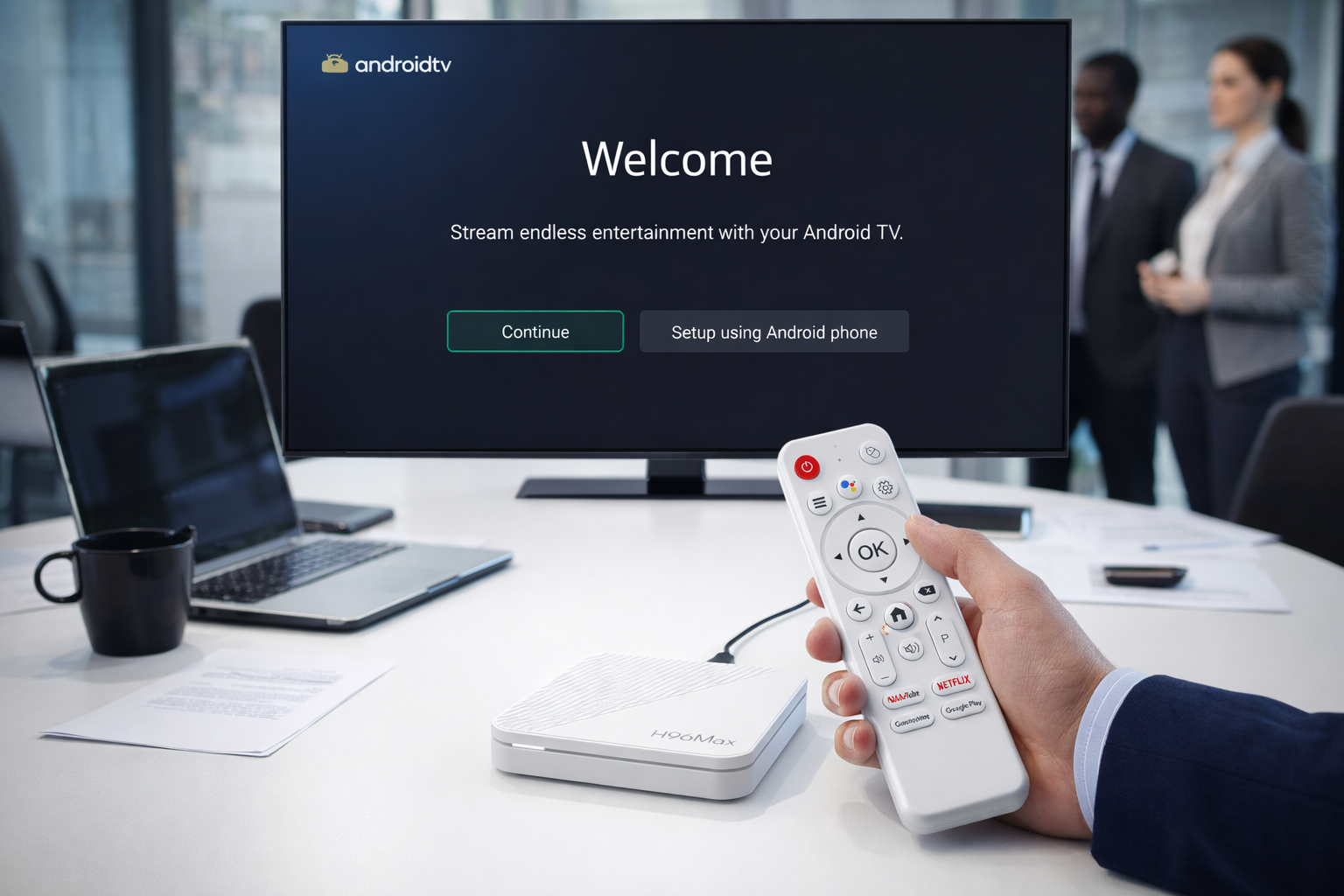
Comprehensive Guide: First-Time Android TV Box Setup for Beginners
Introduction
For anyone starting out with an Android TV Box, understanding the correct setup process is crucial. This professional guide provides a thorough walkthrough of the Android TV Box Setup, designed for those who seek a seamless experience without hassle. Whether you’re an individual user or setting up the device for a business environment, this guide will clarify each aspect of installation and configuration, ensuring every step is executed with confidence and precision.
Unboxing and Preparing for Installation
Begin by carefully unboxing your Android TV Box and identifying all accessories. Typically, you will find the main unit, a remote control, power adapter, HDMI cable, and a quick start manual. Make sure you have a stable power supply and an accessible HDMI port on your TV before starting the Android TV box installation process. It’s recommended to keep the user guide handy for easy reference throughout the procedure.
Initial Connections and Hardware Configuration
Connect the Android TV Box to your TV using the HDMI cable, ensuring both ends are securely inserted. Plug in the power adapter and switch on the device. Most Android TV Boxes will display a startup screen within a few seconds. For first-time users, this is the essential stage for Android TV box first time setup. Use the remote control to navigate the setup interface and adjust any required settings, such as language, display resolution, and time zone, based on your location and preferences.
Network Setup and Internet Connection
Reliable internet connectivity is fundamental for a successful Android TV Box Setup. Choose between a wired Ethernet connection and Wi-Fi, depending on your environment. For wired connections, simply plug in the Ethernet cable. For Wi-Fi, access the network settings, select your network name, and enter the password. A stable internet connection is essential for downloading updates and streaming content efficiently. If issues arise, refer to your Android TV box user guide for troubleshooting tips.
System Configuration and Account Setup
Once online, the next step involves system configuration. The setup wizard typically guides you through signing in with a Google account, which enables access to the Play Store and essential Android TV services. If you don’t already have a Google account, follow the prompts to create one. This step is critical for customizing your device and maximizing functionality. This part of the Android TV box configuration process helps ensure your preferences, apps, and security settings are established from the start.
Firmware Updates and System Optimization
After initial configuration, check for firmware or system updates in the settings menu. Keeping your system up-to-date ensures optimal performance and security. Download and install any available updates as recommended in your Android TV box user guide. This practice helps prevent compatibility issues with new apps and features, further optimizing your setup.
Installing Essential Applications
With the basics configured, explore the Play Store to install essential apps, such as streaming platforms, media players, and productivity tools. Carefully read user reviews and permissions before downloading. For those wondering how to install android tv box for the first time, installing only trusted applications is important for system stability and user safety.
Personalizing Device Settings
Customize the Android TV Box to suit your preferences. Adjust display settings, audio output, parental controls, and accessibility options. Most Android TV Boxes offer advanced settings for power management, network optimization, and remote control configuration. Refer back to your Android TV Box Setup manual for device-specific recommendations. This process is ideal for android tv box setup for beginners who need clarity on essential and optional settings.
Troubleshooting and Best Practices
If any issues arise during setup, consult the troubleshooting section in your user guide or seek professional advice. Common issues include connectivity drops, display glitches, or software errors. Keeping documentation accessible and understanding the support resources available can help resolve problems quickly and efficiently. Always ensure the firmware is current and backup your settings regularly for best results.
Conclusion
Setting up an Android TV Box for the first time is straightforward with the right information. This guide aims to empower users with professional, step-by-step instructions, from unboxing and installation to final configuration and troubleshooting. For anyone seeking a stress-free and efficient Android TV Box Setup, following this process ensures optimal device performance, robust security, and the best entertainment experience possible.
READ MORE
Android TV Box Remote Recovery: 3 Fast Solutions for Not Working Issues
How to Quickly Install APKs to Android TV Box Using Your Phone
Comprehensive Guide to Resolving Android TV Box Error Messages
Android TV Box Voice Control Remote Setup: From Alexa, Google Assistant to Local Solutions
Android TV Box and TV Compatibility: Fine-Tuning Color, Output, and HDR
Top Setup Tips for the Best Android TV Box for Seniors and Kids
HDMI, CEC, and Resolution: Step-by-Step Guide for Home Theater Setup
Quick Links

.png "Watch H96 Max Android TV Box reviews on our YouTube channel")

.png "Explore H96 Max product photos on Instagram")














