Exploring Why Android TV Box UI Differs So Much Between Models
The Android TV Box UI serves as the digital control center for users, defining how seamlessly they navigate apps, movies, and settings. Yet not all devices deliver the same level of polish or responsiveness. Some models boast ultra-smooth interfaces, while others feel unrefined. The key factors behind these disparities include firmware optimization, system architecture, and the manufacturer's commitment to ongoing updates and design consistency.
Firmware Optimization and Development Quality
The first and most important factor affecting the Android TV Box UI is how the firmware is engineered. Devices from manufacturers like H96 Max often undergo extensive testing to ensure smooth animation, reduced latency, and efficient resource allocation. Optimized firmware can make even mid-range hardware perform fluidly, while poor coding can cripple a high-end chipset. Good optimization balances performance, visual appeal, and energy consumption for long-term stability.
Design Strategy and User Flow
A device’s design philosophy directly shapes how intuitive and enjoyable its interface feels. Some manufacturers aim for a minimalist approach—focusing on simplicity and ease of navigation—while others emphasize customization and bold visuals. H96 Max’s UI emphasizes clarity and content prioritization, ensuring users reach their favorite streaming apps with minimal clicks. Smooth animations and clean menus keep users engaged and reduce confusion, resulting in a premium experience.
Hardware-Software Coordination
Even the best-designed UI can perform poorly without proper synchronization between hardware and software. The processor, RAM, and GPU must work together seamlessly with firmware instructions. When coordination fails, users experience lag, stutters, and slow responses. High-end Android TV Boxes like H96 Max align hardware capabilities with software tuning, offering fluid transitions, low latency, and faster boot times—hallmarks of a refined Android TV Box UI.
Regular System Updates and UI Evolution
Firmware updates play a crucial role in maintaining a consistent and optimized UI experience. Brands that prioritize post-sale support refine their UI through bug fixes, security patches, and new features. This ensures long-term device stability and keeps the interface visually modern. In contrast, brands that abandon updates leave users stuck with outdated UIs, degraded performance, and compatibility issues that frustrate daily use.
Visual and Functional Balance
The aesthetic of the Android TV Box UI isn’t just about colors and icons—it’s about blending beauty with usability. Overly complex animations may look attractive but can slow performance. The ideal interface uses clear icons, simple transitions, and balanced spacing to enhance readability. H96 Max demonstrates how thoughtful visual balance improves both responsiveness and user satisfaction, delivering a professional and reliable interface experience.
The Growing Role of AI
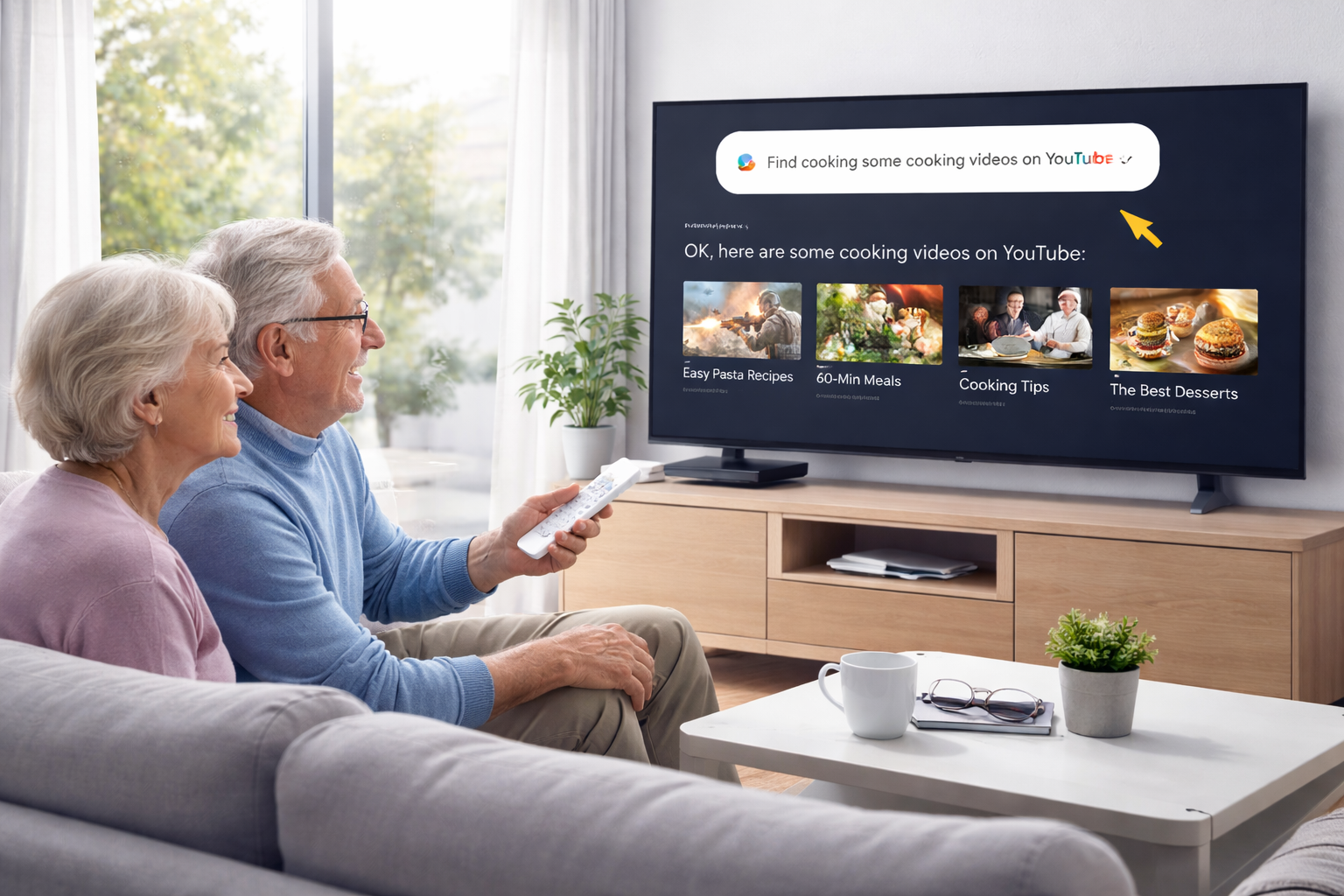
AI integration is revolutionizing the Android TV Box landscape. Modern devices analyze viewing habits and adjust interface layouts accordingly. Personalized content recommendations and voice command systems make navigation faster and more intelligent. With AI-driven UI optimization, devices like H96 Max elevate the Android TV Box UI from static menus to adaptive ecosystems that learn and improve over time.
Conclusion
Ultimately, differences in Android TV Box UIs reflect how seriously manufacturers treat software engineering and user experience. Superior models focus on firmware precision, system synergy, and aesthetic clarity. For users seeking a truly refined experience, brands like H96 Max demonstrate how advanced optimization and thoughtful design come together to define the future of Android TV interfaces.
Follow H96 Max original factory for the best Android TV Box UI experience and contact us for inquiries.
READ MORE


.png "H96 Max Android TV Box video reviews and tutorials on YouTube")
.png "H96 Max Android TV Box photos and lifestyle shots on Instagram")




.png "Watch H96 Max Android TV Box reviews on our YouTube channel")

.png "Explore H96 Max product photos on Instagram")














