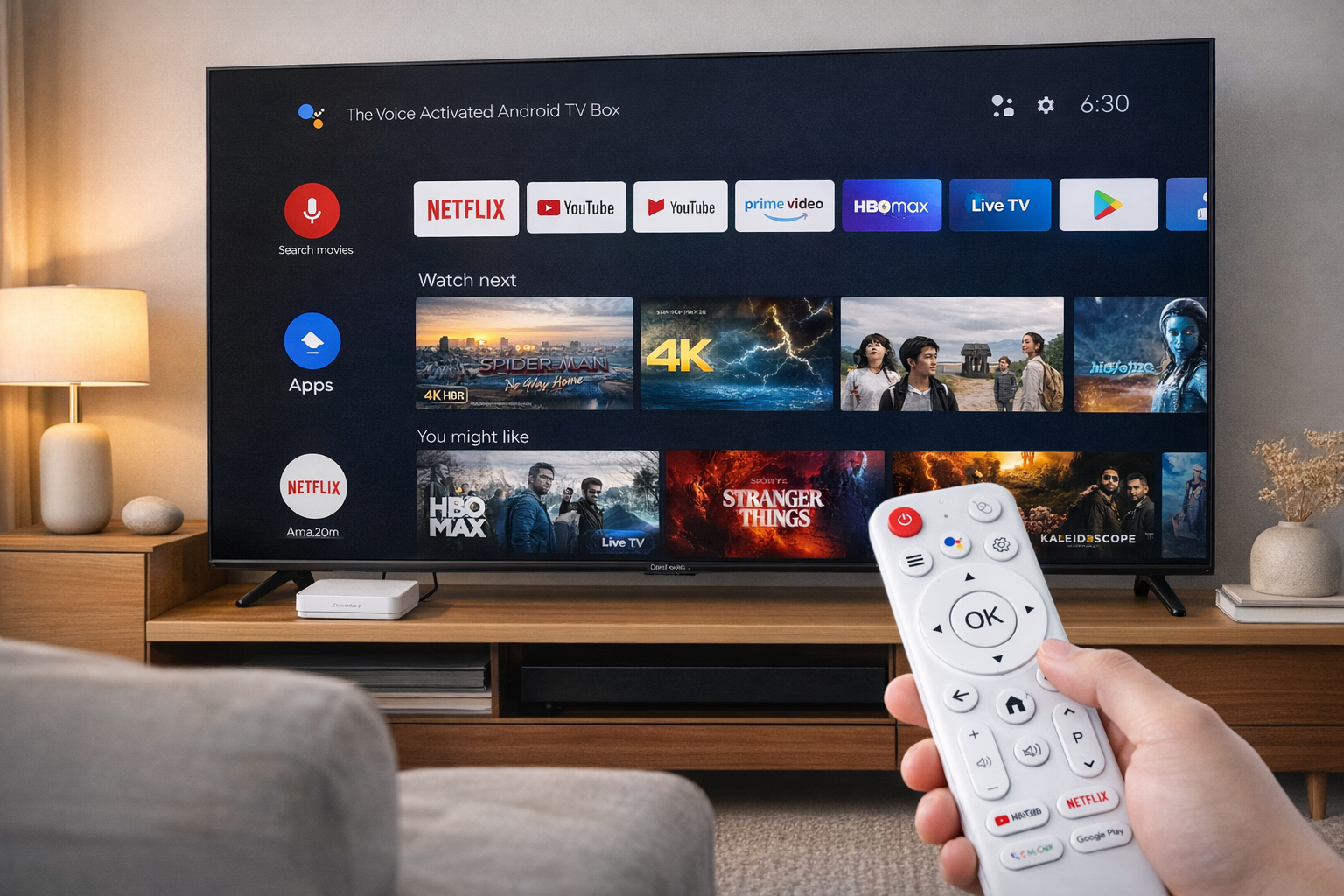
Why Is the UI Experience So Different Among Android TV Boxes?
The Android TV Box UI serves as the digital front door to entertainment for millions of users. Yet, not all devices offer the same smooth, intuitive, and responsive experience. The reasons behind these differences extend beyond hardware power—they lie deeply in software optimization, interface design, and brand philosophy. This article explores why UI performance varies so widely and how users can identify the best experience for their needs.
Customization and Manufacturer Layers
One of the primary reasons for UI inconsistency is how each manufacturer customizes the Android interface. Some brands modify Android TV OS to create a unique identity, while others stick to the stock Android layout. Premium brands like H96 Max often fine-tune the interface to provide better iconography, smoother navigation, and faster load times. These enhancements make the Android TV Box UI more visually appealing and responsive.
Hardware Optimization
Hardware plays a critical role in UI smoothness. A box with a high-end chipset, more RAM, and optimized GPU can handle transitions and app switching more efficiently. However, poorly optimized firmware can still cause lag even on powerful hardware. The best Android TV Boxes ensure the software perfectly matches the hardware capabilities to create a seamless experience for users. This is particularly important when running streaming apps or 4K content where smooth playback is essential.
Software Updates and Support
Frequent software updates are crucial to maintaining UI performance and security. Some Android TV Box brands stop releasing updates after launch, causing outdated UIs and compatibility issues. In contrast, manufacturers like H96 Max continue to provide firmware enhancements that improve Android TV Box UI responsiveness and introduce modern UI elements aligned with Google’s latest design standards.
User Experience Design (UX)
The UI is more than icons and menus—it’s about how users interact with content. High-quality UX design ensures intuitive navigation, minimal loading times, and clear layout hierarchies. This contributes significantly to how enjoyable the experience feels. Poor UX design, on the other hand, leads to frustration, delays, and confusion. Well-structured Android TV interfaces encourage users to explore more apps and stay longer on the platform.
System Resources and Bloatware
Some low-cost Android TV Boxes come preloaded with unnecessary apps or advertisements, consuming memory and processing power. This clutter slows down the system and causes lag during navigation. The clean and efficient firmware design in premium boxes like H96 Max ensures the Android TV Box UI remains smooth and reliable even after months of use.
UI Responsiveness and Remote Control Integration
A well-designed UI must integrate perfectly with the remote control or voice command system. Lag between input and action can ruin the overall experience. Advanced Android TV Boxes utilize Bluetooth remotes and optimized IR receivers for instantaneous responses, ensuring smooth scrolling and accurate command execution.
The Role of AI and Personalization
Modern Android TV Boxes are increasingly integrating AI to enhance user experiences. Personalized content suggestions, smart layout adjustments, and voice recognition technologies create a more adaptive and intelligent Android TV Box UI. This evolution marks a major leap toward next-generation smart entertainment ecosystems.
Conclusion
The difference in Android TV Box UIs stems from the depth of optimization, the quality of hardware-software synergy, and the manufacturer’s commitment to user satisfaction. When choosing your next box, focus not just on specs but also on how the interface feels in real use. A refined UI doesn’t just look better—it transforms how you enjoy content every day.
Follow H96 Max original factory for the best Android TV Box UI experience and contact us for inquiries.
READ MORE


.png "H96 Max Android TV Box video reviews and tutorials on YouTube")
.png "H96 Max Android TV Box photos and lifestyle shots on Instagram")




.png "Watch H96 Max Android TV Box reviews on our YouTube channel")

.png "Explore H96 Max product photos on Instagram")














