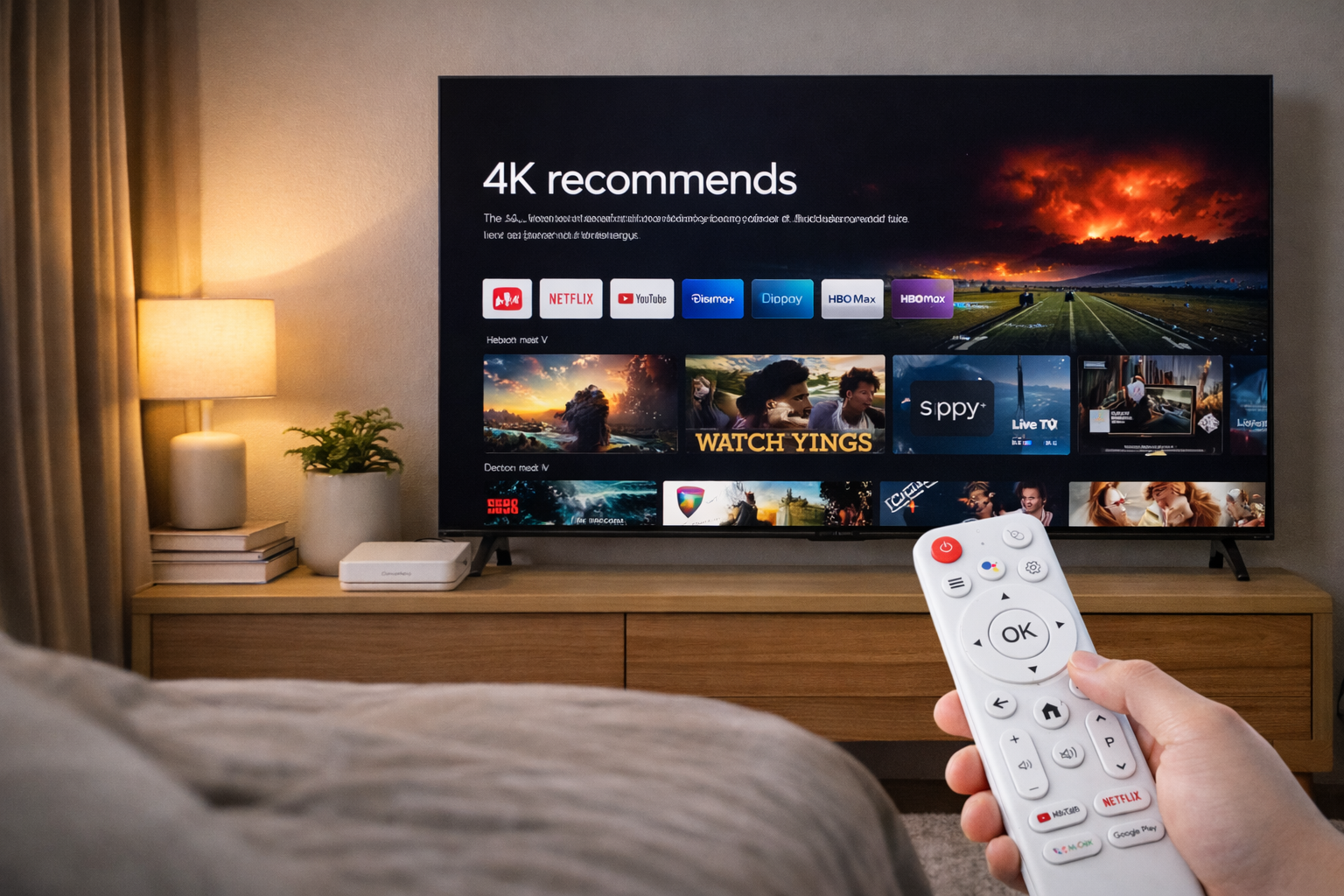
Understanding Why Android TV Box UI Quality Differs So Greatly
When users first power on their devices, the Android TV Box UI becomes the window to the entire entertainment experience. Yet, many notice that some UIs feel fluid and modern, while others are clunky and outdated. This variation results from multiple technical and design factors, including firmware optimization, UI responsiveness, and the manufacturer’s development philosophy.
Customization and Software Optimization
Every manufacturer approaches Android differently. Some brands use a near-stock version of Android TV, while others heavily modify it with custom launchers and themes. A brand like H96 Max invests in optimizing UI layers, improving animation flow, and reducing latency. When done right, these tweaks deliver a faster, more intuitive Android TV Box UI experience that sets it apart from budget models.
Hardware Influence on UI Performance
Hardware directly affects how well the user interface performs. Boxes equipped with higher RAM and faster chipsets render graphics more smoothly, particularly in 4K streaming environments. However, the synergy between hardware and software is key. Even a powerful CPU can feel sluggish if the firmware is poorly optimized. Premium Android TV Boxes focus on tight integration between system components to ensure fluid responsiveness and reliable playback.
User Experience Design Matters
The way menus, icons, and transitions are structured defines user satisfaction. A thoughtfully designed UI doesn’t overwhelm users with clutter—it guides them naturally toward content. This is where strong UX research plays a major role. Brands that invest in ergonomic layout testing and intuitive menu hierarchies ensure the Android TV Box UI delivers both functionality and beauty, making daily use enjoyable rather than frustrating.
Update Frequency and Longevity
UI performance deteriorates when devices lack firmware updates. Android TV Box manufacturers that prioritize long-term support maintain system stability, security, and visual consistency. H96 Max, for example, releases regular OTA updates that not only enhance stability but also introduce visual refinements to keep the experience modern. Without such updates, older devices quickly become sluggish and outdated.
Reducing System Load and Bloatware
A clutter-free operating environment ensures smooth UI navigation. Some lower-end Android TV Boxes preinstall redundant apps or advertisements that consume system memory. Over time, this leads to sluggish scrolling and laggy transitions. Clean firmware designs, such as those implemented in H96 Max devices, eliminate bloatware to ensure that the Android TV Box UI remains fast and efficient even with extensive use.
Conclusion
In short, the difference in UI quality among Android TV Boxes is no coincidence—it’s a reflection of each brand’s engineering quality, optimization effort, and dedication to user satisfaction. The best Android TV Boxes combine hardware performance with design finesse, ensuring seamless interaction between users and their entertainment. For a premium and consistent experience, users should prioritize devices that emphasize UI design and continuous updates.
Follow H96 Max original factory for the best Android TV Box UI experience and contact us for inquiries.
READ MORE


.png "H96 Max Android TV Box video reviews and tutorials on YouTube")
.png "H96 Max Android TV Box photos and lifestyle shots on Instagram")




.png "Watch H96 Max Android TV Box reviews on our YouTube channel")

.png "Explore H96 Max product photos on Instagram")














