

.png "H96 Max Android TV Box video reviews and tutorials on YouTube")
.png "H96 Max Android TV Box photos and lifestyle shots on Instagram")



Android TV Box Multilingual Support: A Comprehensive Guide
When it comes to Android TV boxes, one of the most important features for users is the ability to support multiple languages. Android TV Box Multilingual Support has become an essential feature for those who prefer content in languages other than English. As Android TV Boxes continue to evolve, the need for diverse language settings has become even more critical. In this article, we will explore how Android TV boxes can support multiple languages and how users can set up their devices to accommodate various languages seamlessly.
What is Multilingual Support for Android TV Boxes?
Multilingual Support for Android TV Box refers to the capability of an Android-based set-top box to display content and interact with users in various languages. The Android operating system allows for extensive customization, making it possible for users to choose their preferred language. This support is particularly beneficial in regions where multiple languages are spoken, as it provides a personalized viewing experience. The Android TV Box Language Settings allow users to switch between languages based on their preference, making it an ideal solution for households with multiple language speakers.
Android TV Box Language Settings Explained
The Android TV Box Language Settings allow users to choose from a wide range of languages to ensure that the interface and content are available in their preferred language. This functionality is easily accessible through the system settings menu. Users can navigate to the language settings and select the language of their choice. Some Android TV boxes also support regional dialects, providing an even more localized experience. Whether you're watching movies, streaming content, or using apps, the Android TV Box Language Settings ensure that all text, menus, and options are displayed in your selected language.
How to Change Language on Android TV Box?
Changing the language on an Android TV Box is a straightforward process. Here is a step-by-step guide:
Go to the Settings menu on your Android TV box.
Navigate to the 'Language & Input' option.
Select the 'Language' tab.
Choose your preferred language from the list of available options.
Once selected, the interface and content will be displayed in your chosen language.
It's that simple! You can now enjoy content in your preferred language without any hassle. In addition to language settings, you can also customize other input settings like keyboard preferences and voice input methods to suit your needs.
Android TV Box Remote Control Functionality and Language Support
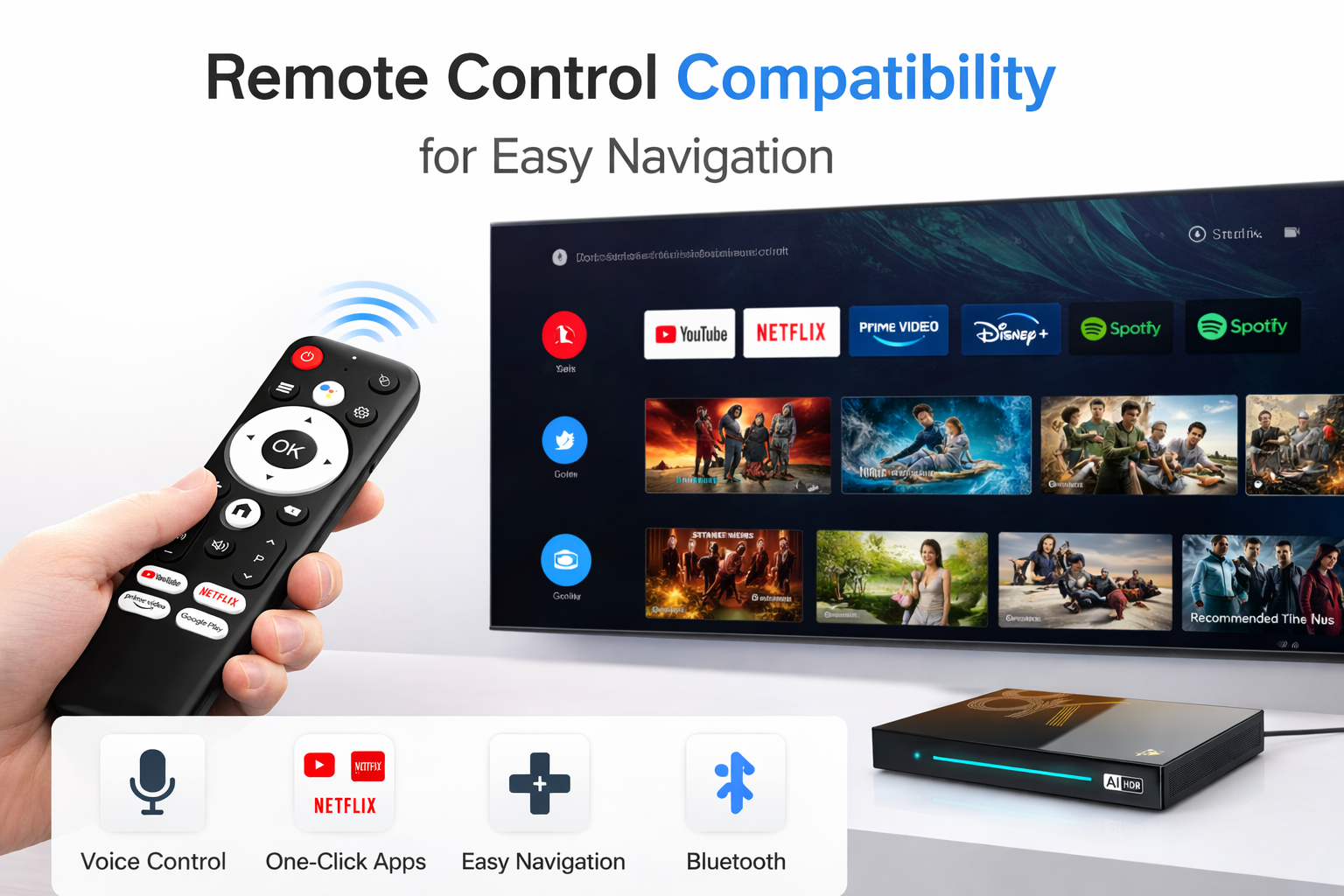
The Android TV Box Remote Control plays a significant role in enhancing the multilingual experience. The remote is designed to allow users to navigate easily through the system, regardless of the language. Many Android TV box remotes come with dedicated buttons for switching between languages or accessing language settings quickly. Some high-end models even feature voice control, enabling users to change languages or perform searches using voice commands in their preferred language.
The Android TV Box Remote Control functionality extends beyond basic navigation. It enables users to interact with apps, stream content, and even use additional features such as subtitles or audio tracks in different languages. With multilingual support, users can seamlessly switch between languages while navigating content, making the remote a vital part of the Android TV box experience.
How Android TV Box Supports Multiple Languages
Android TV Boxes support multiple languages by integrating language packs into the operating system. These language packs are updates that can be downloaded and installed directly onto the device, providing users with a broader range of language options. The Android system is open-source, allowing manufacturers to customize and include additional languages based on the target market. This flexibility is one of the key reasons why Android TV boxes are so widely used in regions with diverse language preferences.
Best Android TV Box with Multi-Language Support
There are several Android TV Boxes on the market that offer excellent multilingual support. When selecting the best Android TV Box for multilingual systems, consider the following factors:
Language options: Look for a box that offers a wide range of languages, including regional dialects.
Ease of use: The language settings should be easy to access and change, ensuring a seamless user experience.
Compatibility with streaming services: Ensure that the TV box supports streaming services in multiple languages, such as Netflix, YouTube, and others.
Remote control functionality: A remote with language-specific buttons or voice control can greatly enhance the multilingual experience.
Some of the best Android TV Boxes with multi-language support include the Nvidia Shield TV, Xiaomi Mi Box, and Amazon Fire TV Stick. These devices offer robust language settings, seamless navigation, and compatibility with a wide variety of content in multiple languages.
Conclusion
Android TV boxes offer exceptional multilingual support, providing users with a tailored viewing experience that accommodates multiple languages. Whether you're watching TV shows, movies, or streaming content, the Android TV Box's language settings allow you to enjoy content in your preferred language. With the right device, setting up your Android TV Box for multilingual support is easy and efficient. As the demand for multilingual systems continues to grow, Android TV Boxes remain a top choice for users seeking flexible and customizable language options.
READ MORE
Recommended Kodi Add-ons and Installation Methods for the International Android Box Market
Copyright Challenges and Solutions for Android TV Box Users Worldwide
Android TV Box Streaming App Compatibility Across Different Countries
Why Android TV Box Faces Geo-Restrictions and How to Bypass Them with DNS and VPN Settings
Quick Links

.png "Watch H96 Max Android TV Box reviews on our YouTube channel")

.png "Explore H96 Max product photos on Instagram")














