android tv vs aosp differences: the complete family cinema guide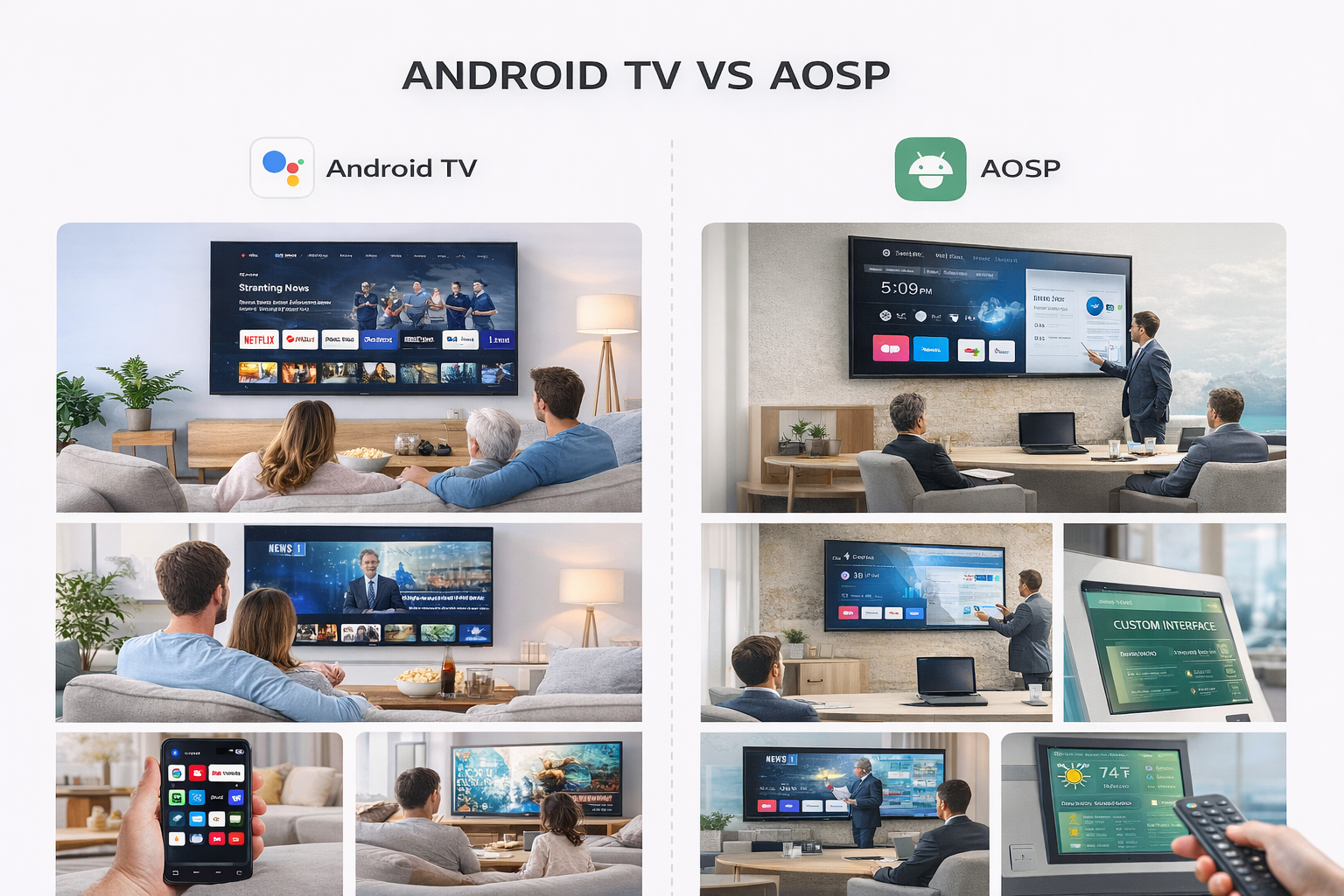
Android TV vs AOSP Differences: The Complete Family Cinema Guide
Creating the perfect family cinema starts with selecting the right platform for your Android TV Box. The choice between official Android TV and AOSP (Android Open Source Project) is critical—and understanding the Android TV vs AOSP Differences is the first step to a reliable, enjoyable entertainment system. Let’s break down what each OS offers, what it lacks, and how you can make the best choice for your home’s needs.
What Sets Android TV Apart?
Android TV is Google’s certified operating system designed for the living room. If you want an intuitive, user-friendly experience on your smart TV box, Android TV delivers:
Access to the Google Play Store for TV-optimized apps
Seamless integration with Google Assistant, smart home devices, and Chromecast
Automatic system and app updates, keeping your TV box secure and current
Certified streaming services such as Netflix, Disney+, and YouTube in HD or 4K
Remote-friendly navigation with a focus on recommendations and trending shows
Android TV Boxes that run the official OS are made to “just work” for families, with minimal setup and consistent performance.
AOSP: For Tinkerers and Custom Installations
AOSP-powered smart TV boxes use the same core Android code but offer a completely different experience. Many generic or custom TV boxes leverage AOSP to create unique interfaces, more sideloading options, and sometimes a lower price tag. But there are trade-offs:
Wider app compatibility, including Android phone and tablet apps
Potential for deeper customization and rooting
Lower up-front cost for the hardware
Possible issues with streaming quality, missing certifications, or manual firmware updates
For tech-savvy users, an AOSP-based Android TV Box can be a playground. For family use, the lack of official support might be a challenge, especially when streaming reliability is a top priority.
User Interface and Experience
One of the standout Android TV vs AOSP Differences is the overall interface. Official Android TV presents a polished, consistent layout with easy access to entertainment. Rows of recommended content, voice search, and large, easy-to-read icons make it approachable for all ages. AOSP, on the other hand, might look more like a tablet and lack true remote optimization. For families, the official experience is typically smoother and more reliable.
App Ecosystem and Compatibility
The Android TV Box you choose will shape your entertainment options. Certified Android TV boxes have access to a curated selection of TV-optimized apps, including all major streaming services. AOSP boxes let you sideload more apps—including games and utilities not found in the TV Play Store—but some may not display correctly or support HD streaming. For home cinema, certified compatibility matters.
Updates, Support, and Longevity
Families want a system that lasts. With Android TV, updates are regular, and support is often direct from Google or a major brand. AOSP boxes rely on the device maker for updates—sometimes these stop after a year or two, which can be a risk for security and streaming reliability.
Smart Home Features and Voice Integration
Modern family cinemas are about more than just movies. Android TV’s built-in Google Assistant support, easy smart device integration, and voice commands help streamline everything from lighting to security. AOSP boxes may offer some assistant features, but often with more setup and fewer guarantees.
Performance and Gaming
Gaming and fast performance are important for a true home cinema. Official Android TV Boxes support Bluetooth controllers, cloud gaming, and Google Play Games. AOSP boxes might be better for emulators and older Android games, but often have less predictable performance in demanding apps.
Which Should You Choose for Your Family Cinema?
The Android TV vs AOSP Differences come down to reliability, ease of use, and the experience you want for your family. Certified Android TV Boxes are recommended for most home cinemas thanks to their stability, official app support, and user-friendly interface. AOSP is best for users who love to experiment and are willing to handle potential issues.
READ MORE


.png "H96 Max Android TV Box video reviews and tutorials on YouTube")
.png "H96 Max Android TV Box photos and lifestyle shots on Instagram")




.png "Watch H96 Max Android TV Box reviews on our YouTube channel")

.png "Explore H96 Max product photos on Instagram")














