

.png "H96 Max Android TV Box video reviews and tutorials on YouTube")
.png "H96 Max Android TV Box photos and lifestyle shots on Instagram")



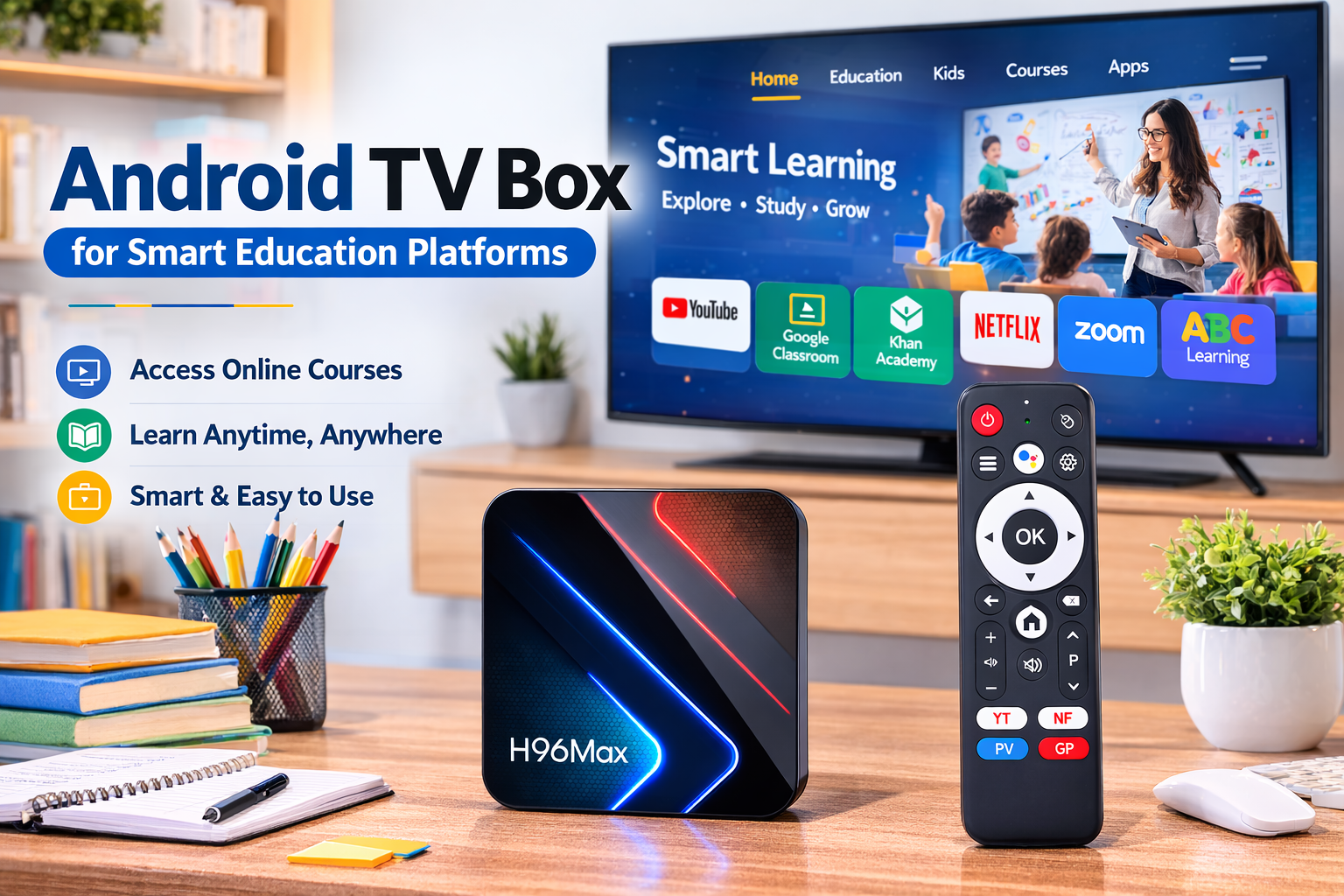
How Education Platforms Build Scalable Smart Classroom Systems
Understanding how to build a smart classroom with Android TV box has become a priority for many education platforms and training institutions seeking scalable digital learning infrastructure. As hybrid learning models expand worldwide, institutions must support large‑screen teaching, online content delivery, centralized device control, and flexible classroom environments. Traditional computers and projectors often require complex maintenance and expensive upgrades, making them difficult to scale across multiple classrooms or campuses. In contrast, an Android‑based media device can transform ordinary displays into connected teaching terminals. This approach enables institutions to deploy an Android TV box for smart classroom environments that support course distribution, live teaching, and remote device management while keeping operational costs under control.
The Operational Challenges Education Platforms Face
Education platforms today must manage a growing number of digital classrooms, remote instructors, and multimedia teaching resources. According to UNESCO and various global ed‑tech reports, the adoption of digital learning platforms accelerated dramatically after the pandemic, with many institutions continuing hybrid learning models. However, many organizations still struggle with fragmented infrastructure. Classrooms may rely on different computers, operating systems, and presentation tools, making it difficult for administrators to deploy updates or standardize teaching tools. These operational challenges explain why education providers are increasingly exploring an Android TV box for education platform deployment model that standardizes devices across classrooms and reduces IT complexity.
Large Screen Teaching and Wireless Projection
One key reason education institutions study how to build a smart classroom with Android TV box solutions is the ability to support large‑screen teaching without complicated hardware setups. Teachers can mirror laptops, tablets, or mobile devices directly to classroom displays using wireless casting technologies. This allows instructors to present slides, play educational videos, or demonstrate applications in real time. Many schools that deploy an Android TV box for digital learning environments report that wireless projection significantly improves teaching flexibility. Instead of relying on cables or fixed computer stations, instructors can move freely around the classroom while presenting content. Educational technology analysts have also pointed out that wireless presentation tools improve student engagement because teachers can quickly switch between interactive content formats.
Pre‑Installed Educational Applications and Course Content
Another major factor influencing how to build a smart classroom with Android TV box strategies is the ability to pre‑install educational applications and course platforms. Institutions can integrate learning management systems, interactive teaching apps, assessment tools, and video course libraries directly into the device environment. This means every classroom display becomes a ready‑to‑use teaching terminal the moment it powers on. For online academies and training centers, deploying an Android TV box for online teaching allows them to preload course applications and customized teaching interfaces. This reduces teacher setup time and ensures that all classrooms use the same software environment. Industry observers often note that standardized teaching interfaces improve operational efficiency because instructors spend less time configuring equipment and more time delivering lessons.
Centralized Device Management Across Multiple Classrooms
Education operators managing dozens or even hundreds of classrooms must also consider device management efficiency. One advantage frequently cited when discussing how to build a smart classroom with Android TV box deployments is centralized management capability. Through device management platforms, administrators can monitor device status, install applications, update course materials, or troubleshoot problems remotely. This makes the Android TV box classroom solution particularly attractive for education groups operating multiple training centers or campuses. Instead of sending IT technicians to each classroom individually, administrators can manage devices remotely through a centralized dashboard. According to several digital signage management providers, centralized device control can reduce operational maintenance costs by more than 30 percent compared to traditional computer‑based classroom setups.
OTA Updates and Remote System Upgrades
Software updates are another critical component when examining how to build a smart classroom with Android TV box architecture. Educational platforms frequently update teaching applications, course content libraries, and system security features. With traditional classroom computers, updating software across multiple classrooms can be time‑consuming and error‑prone. Android‑based devices, however, often support over‑the‑air system updates. This means administrators can push firmware upgrades, new learning applications, or platform improvements remotely. When using an Android TV box for smart classroom deployment, OTA updates allow institutions to maintain a consistent and secure learning environment without disrupting classroom schedules.
Supporting Hybrid and Remote Learning Models
The rapid growth of hybrid learning models has also increased interest in how to build a smart classroom with Android TV box infrastructure. Modern classrooms often combine in‑person teaching with remote participation. By integrating video conferencing platforms and live streaming tools, a classroom display connected to an Android TV box for online teaching can broadcast lessons to remote students while still supporting local classroom interaction. Ed‑tech research groups such as HolonIQ report that global digital education markets continue expanding rapidly, with institutions investing heavily in technologies that support remote participation. Devices that integrate streaming, application support, and classroom display control help bridge the gap between physical and virtual learning environments.
Cost Efficiency and Hardware Scalability
Cost efficiency is another important reason organizations analyze how to build a smart classroom with Android TV box solutions. Compared with deploying full desktop computers in every classroom, compact Android media devices significantly reduce hardware costs, energy consumption, and maintenance requirements. Because these devices are designed primarily for media playback and application environments, they can run efficiently for long periods without requiring frequent hardware upgrades. For large education groups, deploying an Android TV box for education platform infrastructure makes it easier to scale teaching environments as new classrooms or campuses open.
Industry Perspectives and Market Trends
Market analysts and educational technology publications increasingly highlight the growing role of Android‑based devices in digital classrooms. Research from Global Market Insights and HolonIQ indicates that the global smart education market continues expanding as institutions invest in scalable digital infrastructure. Devices used in an Android TV box for digital learning deployment can integrate streaming platforms, learning management systems, and cloud‑based content services in a single environment. These capabilities align with the broader trend toward software‑driven classrooms where content delivery, student interaction, and classroom management operate through unified digital platforms.
Practical Deployment Strategy for Education Platforms
For organizations researching how to use android tv box for online teaching, successful deployment typically involves integrating several components. First, institutions select a reliable hardware platform capable of running teaching applications smoothly. Next, administrators configure classroom displays and wireless projection tools to support interactive instruction. They then deploy learning applications and course libraries across devices using centralized management software. Finally, administrators configure remote monitoring and OTA update systems to maintain the network of devices. Institutions seeking the best android tv box for classroom teaching system deployments typically prioritize stability, compatibility with learning applications, and strong remote management capabilities.
Building a Sustainable Digital Classroom Ecosystem
As digital learning continues to evolve, the question of how to build a smart classroom with Android TV box infrastructure will remain relevant for education providers worldwide. By combining application ecosystems, wireless presentation tools, remote management capabilities, and scalable hardware architecture, Android‑based classroom systems allow institutions to modernize teaching environments while maintaining operational efficiency. For education platforms seeking reliable manufacturing partners for such deployments, collaboration with experienced hardware providers can help ensure device stability and long‑term scalability. Organizations interested in exploring customized Android classroom devices or large‑scale deployment strategies are welcome to contact the H96 Max source factory team to discuss potential cooperation and technical solutions.
READ MORE
How Can Enterprises Build an Internal TV System Using Android TV Boxes?
How to Build an Advertising Playback Network Using an Android TV Box?
How Telecom Operators Customize Android TV Box Systems for IPTV Platforms?
How to Build a Profitable IPTV Business with Android TV Box?
How Amazon Sellers Build a Profitable Private Label Android TV Box Brand?
How to Start a Profitable Android TV Box Distribution Business?
Why OTT Platforms Are Turning to Customized Android TV Hardware?
How to Start a Profitable IPTV Box Business in Africa: A Practical Market Guide
Quick Links

.png "Watch H96 Max Android TV Box reviews on our YouTube channel")

.png "Explore H96 Max product photos on Instagram")














