

.png "H96 Max Android TV Box video reviews and tutorials on YouTube")
.png "H96 Max Android TV Box photos and lifestyle shots on Instagram")



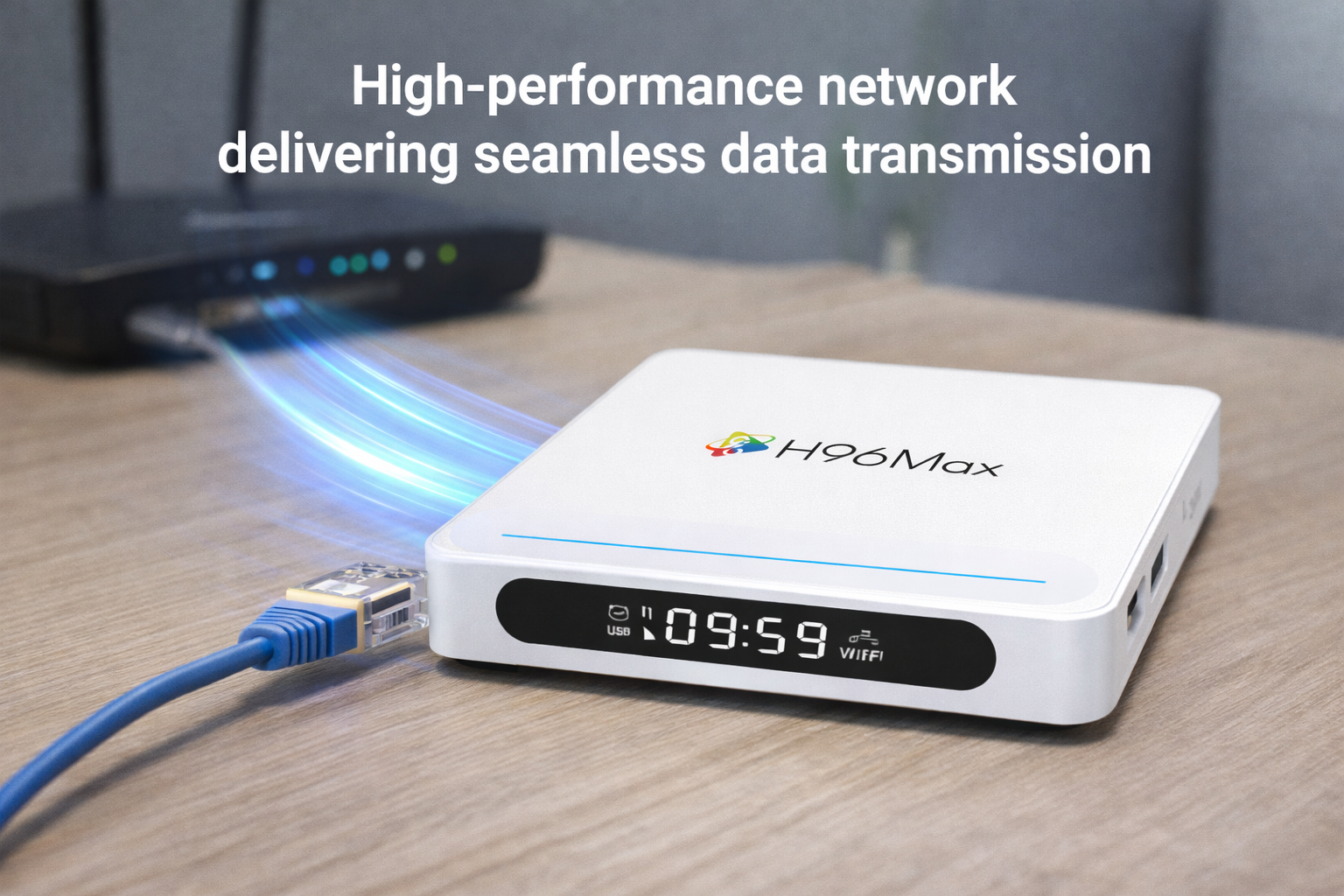
Troubleshooting Android TV Box Network Latency & Buffering: In-Depth Professional Solutions
In today’s connected world, Android TV Box network latency is a leading cause of frustration among streaming device users, especially when it results in persistent buffering, lag, and diminished viewing experiences. Understanding the underlying technical aspects and implementing targeted solutions can dramatically reduce or even eliminate these issues, ensuring smooth and reliable streaming.
Table of Contents
1. Introduction to Network Latency
2. Common Causes of Buffering on Android TV Box
3. Diagnosing Your Connection: Ethernet vs Wi-Fi
4. Deep Dive: Wi-Fi Interference and Its Effects
5. Wired Solutions: Ethernet Connection & Setup
6. Advanced Troubleshooting for Lagging and Buffering
7. Best Practices for Stable Streaming
8. Conclusion: Proactive Strategies for Enduring Performance
1. Introduction to Network Latency
Network latency refers to the delay that occurs in data communication over a network. For Android TV Box users, high latency means streaming interruptions, longer load times, and repeated buffering. The root causes of Android TV Box network latency vary: from poor Wi-Fi signal quality and interference, to inadequate bandwidth or unstable Internet connections. Understanding these fundamentals sets the stage for effective troubleshooting and improvement.
2. Common Causes of Buffering on Android TV Box
Frequent buffering disrupts content consumption and often indicates underlying network or device problems. The most prevalent causes include limited bandwidth, signal interference, network congestion, and improper device setup. Additionally, issues like Android TV Box buffering issue and hardware limitations may also contribute. Identifying and addressing the specific cause is essential for optimal performance.
3. Diagnosing Your Connection: Ethernet vs Wi-Fi
Choosing between Ethernet vs Wi-Fi Android TV Box connectivity is pivotal. Wired Ethernet connection Android TV Box solutions offer lower latency, higher reliability, and immunity to Wi-Fi interference. Conversely, wireless setups are more susceptible to disruptions from walls, distance, and other devices, often resulting in Android TV Box lagging. Diagnosing which connection method suits your environment best is the first step towards seamless streaming.
4. Deep Dive: Wi-Fi Interference and Its Effects
Wi-Fi interference Android TV Box problems can stem from overlapping channels, competing wireless networks, physical obstructions, and household electronics. Devices such as microwaves, cordless phones, or neighboring routers can create signal conflicts that intensify network latency and streaming buffering Android TV Box incidents. Pinpointing these interference sources enables effective troubleshooting and sustained streaming quality.
5. Wired Solutions: Ethernet Connection & Setup
To bypass many latency and buffering issues, a direct Ethernet connection Android TV Box setup is strongly recommended. Wired internet Android TV Box solutions deliver higher speeds, minimal packet loss, and consistent streaming performance. Proper installation includes using high-quality cables, ensuring router compatibility, and adjusting network configurations to prioritize the streaming device. This approach eliminates much of the variability associated with wireless connections.
6. Advanced Troubleshooting for Lagging and Buffering
When facing persistent Android TV Box lagging, advanced diagnostics become necessary. Begin with firmware updates for your device and router, and verify all hardware connections. Run speed and latency tests using professional tools to detect bottlenecks. Consider adjusting Quality of Service (QoS) settings on your router to allocate bandwidth to your Android TV Box. In complex environments, segmenting network traffic or upgrading hardware (routers, switches) can further reduce Android TV Box buffering issue occurrences.
7. Best Practices for Stable Streaming
For sustainable, high-quality streaming, implement these professional best practices: place your router centrally and away from interference sources, regularly reboot both router and Android TV Box, keep software updated, and monitor device resource usage. Utilize Ethernet whenever possible to minimize Android TV Box network latency. For Wi-Fi setups, opt for 5GHz bands and minimize device congestion.
8. Conclusion: Proactive Strategies for Enduring Performance
Addressing Android TV Box network latency and buffering requires a methodical approach—diagnose the environment, select optimal connectivity (favoring Ethernet connection Android TV Box setups), minimize Wi-Fi interference Android TV Box sources, and implement advanced troubleshooting. By following these steps, users ensure reliable, buffer-free streaming tailored to even the most demanding professional settings.
READ MORE
Android TV Box Long-Term Overheating: Is Thermal Design Really That Important?
Why Do Apps Close Automatically After Android TV Box Reboot? System Memory Management Explained
OTA Upgrade Failed? Complete Troubleshooting Guide for Android TV Box
Decoding Support Differences Unveiled: Which TV Boxes Truly Support 4K HEVC?
What Really Drives Android TV Box Performance? Not Just Specs—It’s These Settings!
Why Do Some Android TV Boxes Lag? Expert Insights Into Hardware Differences
Quick Links

.png "Watch H96 Max Android TV Box reviews on our YouTube channel")

.png "Explore H96 Max product photos on Instagram")














