

.png "H96 Max Android TV Box video reviews and tutorials on YouTube")
.png "H96 Max Android TV Box photos and lifestyle shots on Instagram")



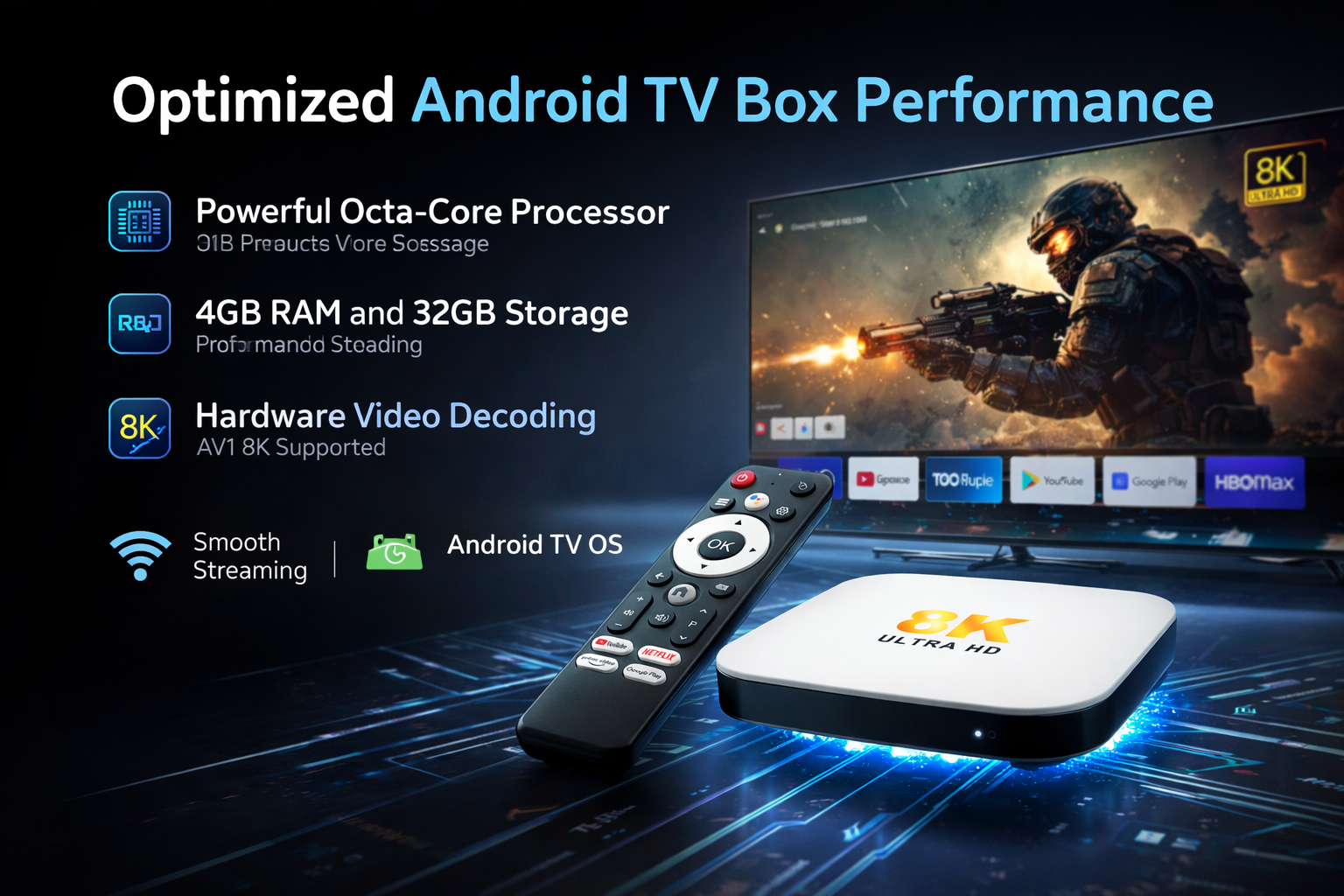
What Really Drives Android TV Box Performance? Not Just Specs—It’s These Settings!
Introduction: Rethinking Performance in the Android TV Box World
When evaluating the power of an Android TV Box, most users instinctively turn to hardware specifications. But, as experienced professionals in the streaming and smart TV industry recognize, Android TV Box Performance is more often defined by critical settings and system optimization than by raw hardware alone. This guide explores why focusing solely on specs can be misleading, and what actionable steps truly enhance your Android TV Box for a smooth and reliable experience.
1. Android TV Box Performance: More Than Just Numbers
For most consumers, performance is synonymous with RAM, CPU, and storage. However, real-world Android TV Box Performance is shaped by how system resources are managed, software optimization, and, most importantly, device settings. While specs are foundational, the configuration and maintenance of these elements have a far greater impact on user experience, influencing why android tv box is slow for many users despite powerful specs.
2. The Impact of Android TV Box Settings
3. Common Causes of Slow Performance: Beyond the Obvious
4. Android TV Box Lag Fix: Practical Steps
5. Optimization Strategies for Consistent Performance
Android TV Box Optimization is a multi-layered approach:
Network Optimization: Connect via Ethernet when possible, or choose optimal Wi-Fi channels to reduce interference.
Storage Management: Keep system storage above 20% free to prevent performance slowdowns.
App Hygiene: Uninstall rarely used apps, and avoid task-killing apps that can destabilize processes.
Applying these strategies can substantially boost Android TV Box Performance regardless of the device’s technical baseline.
6. Smooth Android TV Box Experience: Achievable Through Systematic Tweaks
7. Android TV Box Performance vs Specs: A Closer Look
8. Android TV Box Performance Settings: The Hidden Differentiator
Professional Tips for Peak Android TV Box Performance
For professionals and demanding users, superior Android TV Box Performance is the result of a holistic approach—where hardware, firmware, and, most crucially, system settings are all optimized. Instead of relying on specifications alone, shift focus to smart configurations and ongoing maintenance. This is the blueprint for a truly smooth, efficient, and reliable Android TV Box experience.
READ MORE
Android TV Box Long-Term Overheating: Is Thermal Design Really That Important?
Why Do Apps Close Automatically After Android TV Box Reboot? System Memory Management Explained
OTA Upgrade Failed? Complete Troubleshooting Guide for Android TV Box
Decoding Support Differences Unveiled: Which TV Boxes Truly Support 4K HEVC?
Why Do Some Android TV Boxes Lag? Expert Insights Into Hardware Differences
Quick Links

.png "Watch H96 Max Android TV Box reviews on our YouTube channel")

.png "Explore H96 Max product photos on Instagram")














