

.png "H96 Max Android TV Box video reviews and tutorials on YouTube")
.png "H96 Max Android TV Box photos and lifestyle shots on Instagram")



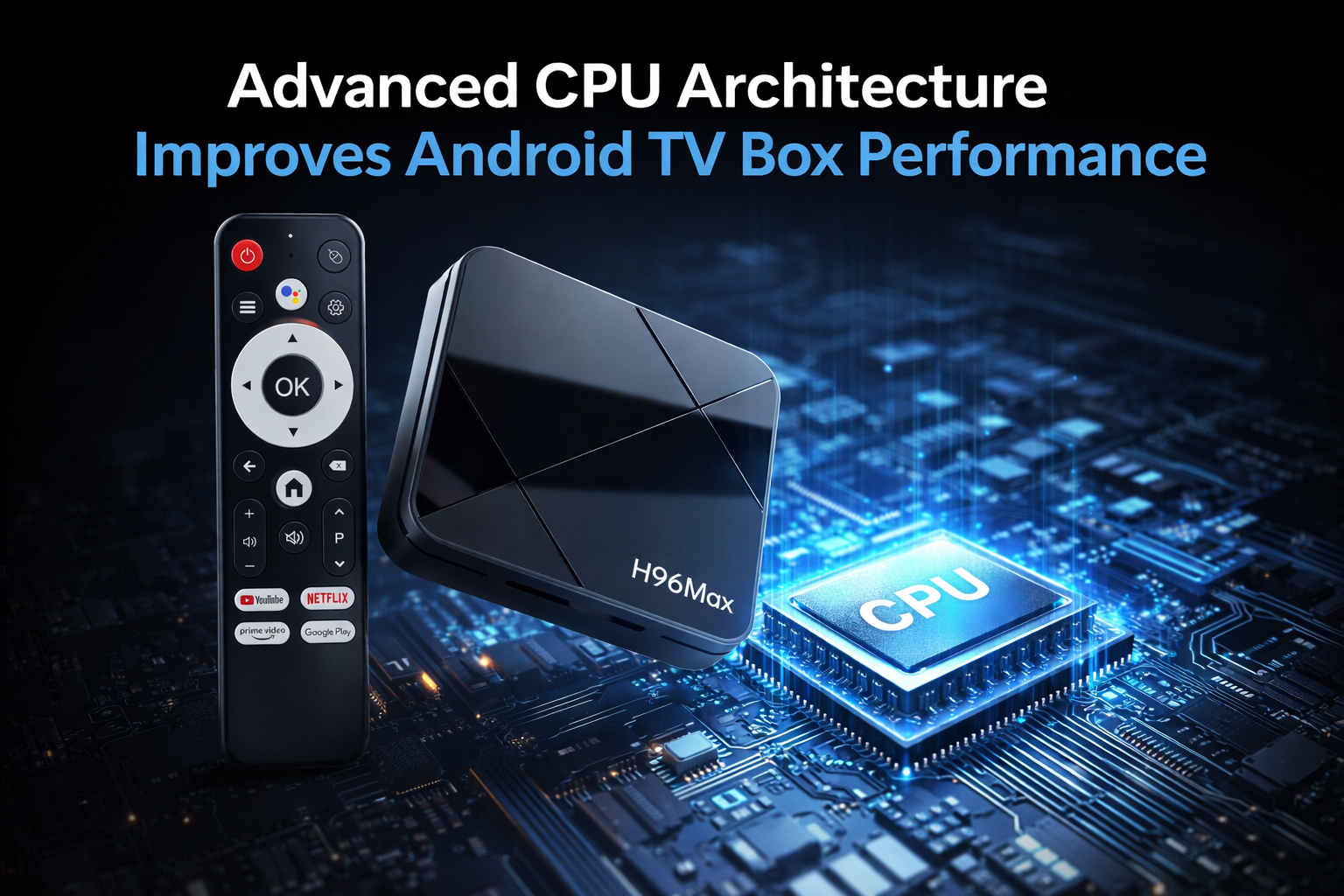
Unveiling the Real Reasons Behind Android TV Box Lag
If you have ever experienced streaming interruptions, delayed app launches, or slow navigation on your Android TV box, you are not alone. Android TV Box Lag is one of the most frequently discussed issues among both individual users and system integrators. Yet, most online explanations focus on surface-level fixes rather than addressing the deeper hardware realities. In this article, we dissect the technical reasons behind performance slowdowns in Android TV boxes—without any sales pitch. Our goal is to help you understand how CPU, RAM, and GPU differences drive performance, and how to read hardware specs like a pro.
Understanding CPU Performance: The True Heartbeat of Speed
The central processing unit (CPU) is the brain of any smart device, including Android TV boxes. The CPU determines how quickly tasks are processed, impacting everything from video decoding to interface responsiveness. Android TV Box CPU performance varies greatly between models. A quad-core Cortex-A53 may sound impressive, but the number of cores, clock speed, and chip architecture collectively shape real-world outcomes. For example, an older 1.2 GHz chip with four cores will likely be outperformed by a modern dual-core chip running at 2.0 GHz, thanks to better efficiency and instruction sets.
But more cores or higher frequencies aren’t the only factors. The quality of the chipset, cache size, and thermal management also play a role in reducing Android TV Box Lag. Poorly cooled CPUs will throttle under prolonged loads, causing sudden slowdowns even if the specs appear robust on paper. For those seeking the Best Android TV box for smooth streaming, research the specific chipset model and its generation—not just the number of cores or GHz value.
RAM: 2GB vs 4GB and the Real-World Impact
Random-access memory (RAM) is often marketed as the primary solution to slow performance. The argument of Android TV Box RAM 2GB vs 4GB comes up frequently. While doubling the RAM does allow more background processes and reduces the chances of apps crashing, the improvement is not always linear. With Android TV OS updates becoming more demanding, 2GB of RAM is increasingly the bare minimum. Under heavy multitasking or when running modern streaming apps, 4GB provides much smoother navigation and fewer reloads.
However, RAM speed and technology (DDR3 vs DDR4) also influence how fast data moves between the CPU and other components. The synergy between the CPU and RAM is crucial for keeping Android TV Box Lag at bay, especially during tasks like switching between high-resolution streams and background app updates.
GPU Performance: Not Just for Gamers
The graphics processing unit (GPU) is often overlooked when evaluating TV box performance. However, Android TV Box GPU performance affects much more than gaming. It determines how quickly user interfaces render, how smooth video playback is—especially with 4K or HDR content—and how well the device handles complex on-screen graphics or transitions. Underpowered GPUs lead to dropped frames, sluggish menus, and visible stutter, all common symptoms of Android TV Box Lag.
Some newer Android TV boxes feature dedicated video decoding chips that offload tasks from the main GPU, enabling better performance in high-bitrate streaming. For users prioritizing consistent video playback and quick menu navigation, look for boxes with GPUs rated for modern video standards, not just basic 1080p.
Hardware Comparison: More Than Just Numbers
When you compare devices, a detailed Android TV Box hardware comparison is essential. Marketing brochures often highlight the highest numbers, but true performance depends on how the CPU, RAM, and GPU interact. For example, a device with a fast CPU but slow RAM, or a modern GPU hampered by an outdated processor, will still suffer lag. It’s the balance of all hardware elements that ensures reliable and responsive streaming.
Additionally, thermal management, power supply stability, and storage speed (eMMC vs SSD) can subtly influence Android TV Box Lag. Reading reviews that include real-world benchmarks, temperature tests, and long-duration streaming analysis gives a clearer picture than relying solely on spec sheets.
Specs Explained: Decoding Technical Jargon
It’s easy to get lost in technical terms, but a careful Android TV Box specs explained approach helps avoid costly mistakes. Focus on generation and efficiency rather than raw numbers. A 2024 model quad-core may outclass a 2019 octa-core because of better architecture, instruction set improvements, and integrated graphics.
For the Fast Android TV box 2026, you’ll want to see ARM Cortex-A55 or higher CPUs, LPDDR4 RAM, and Mali-G52 or better GPUs. Check for HEVC and VP9 hardware decoding support for efficient streaming, and make sure your TV box can receive OTA (over-the-air) firmware updates, which keep performance optimized and secure.
Beyond Hardware: Software Optimization and Updates
While hardware sets the baseline, software optimization can make or break the user experience. An Android TV box with average specs but well-optimized firmware may outperform a higher-end device with poorly tuned software. Look for brands with a track record of regular updates and strong after-sales support, especially for fixing Android TV Box Lag in response to new streaming app requirements.
Summary: Making Informed Choices
In summary, not all Android TV boxes are created equal, and lag is rarely the result of a single weak component. The interplay between CPU, RAM, and GPU—along with storage and software—defines the user experience. By understanding real performance metrics and how to read technical specs, you’ll be better equipped to choose a device that delivers smooth streaming and future-proof reliability. Always prioritize balanced hardware, effective thermal management, and active software support to reduce lag and enhance your Android TV box experience.
READ MORE
Android TV Box Long-Term Overheating: Is Thermal Design Really That Important?
Why Do Apps Close Automatically After Android TV Box Reboot? System Memory Management Explained
OTA Upgrade Failed? Complete Troubleshooting Guide for Android TV Box
Decoding Support Differences Unveiled: Which TV Boxes Truly Support 4K HEVC?
What Really Drives Android TV Box Performance? Not Just Specs—It’s These Settings!
How to Solve Network Latency and Frequent Buffering?
Quick Links

.png "Watch H96 Max Android TV Box reviews on our YouTube channel")

.png "Explore H96 Max product photos on Instagram")














