

.png "H96 Max Android TV Box video reviews and tutorials on YouTube")
.png "H96 Max Android TV Box photos and lifestyle shots on Instagram")



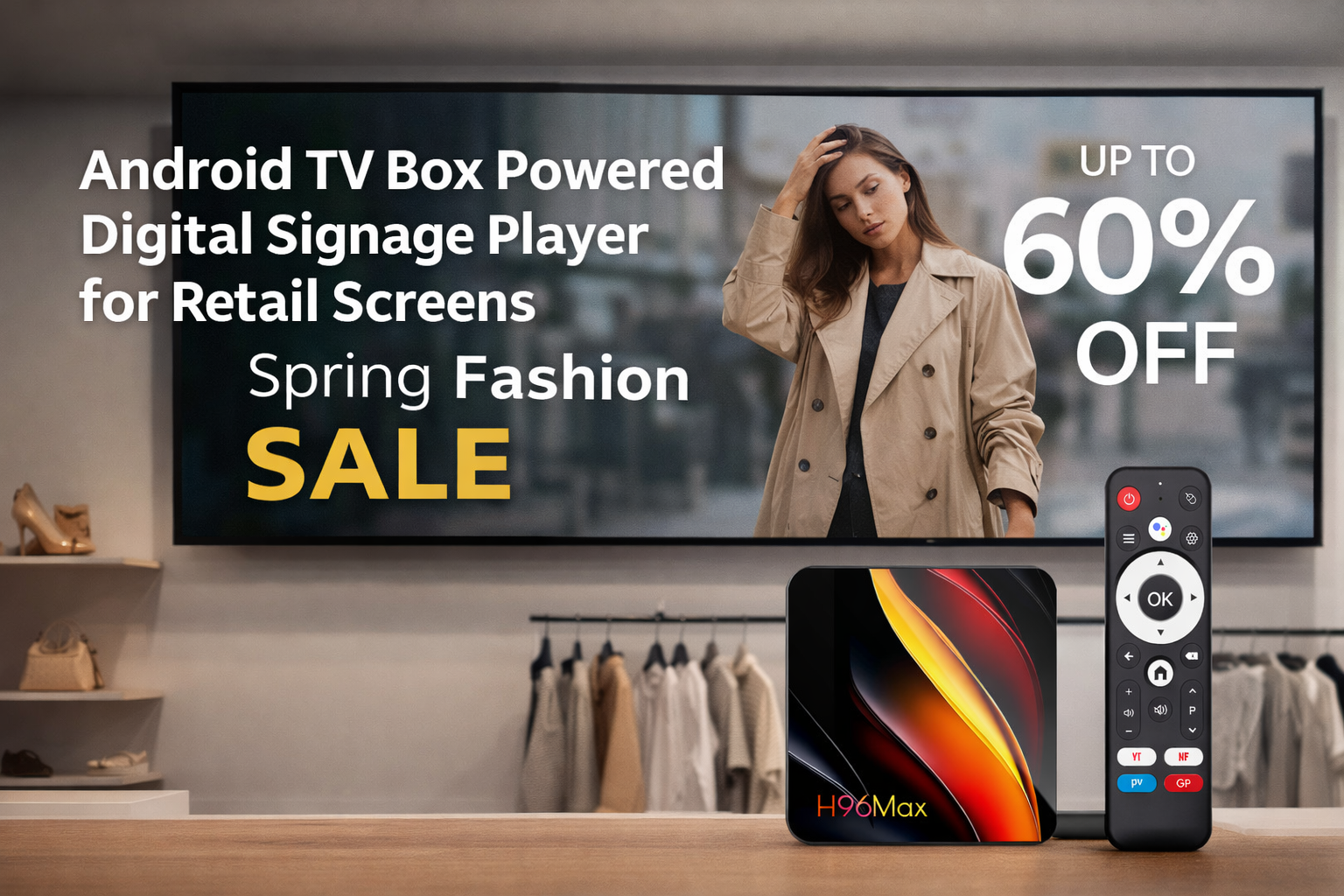
How Businesses Deploy Android-Based Digital Signage Infrastructure
Modern organizations increasingly rely on visual communication systems to deliver timely information, advertising, and operational updates. One of the most practical technologies enabling this transformation is the Android Digital Signage Player. Compared with proprietary signage hardware, Android-based systems provide flexibility, lower deployment costs, and easier scalability. Research from Grand View Research indicates that the global digital signage market is projected to exceed $45 billion by 2030, driven largely by cloud-managed and Android-based media devices. For businesses exploring how to build a digital signage system with android tv box hardware, understanding the architecture, deployment process, and operational requirements is critical.
Why Android TV Boxes Are Widely Used in Digital Signage
A digital signage network typically consists of displays, media players, a content management system (CMS), and network infrastructure. In many modern deployments, the media player role is fulfilled by an Android TV box. These compact devices operate as an Android Media Player for Digital Signage, capable of decoding high‑resolution video, running applications, and connecting to cloud platforms.
Industry analysts from Futuresource Consulting highlight that Android-powered players now represent a significant share of commercial signage deployments because of their compatibility with open software ecosystems. Instead of proprietary operating systems, companies can install CMS applications directly onto a Digital Signage Android Player, simplifying integration and reducing vendor lock‑in.
Step 1: Selecting Appropriate Android Signage Hardware
The foundation of any signage deployment begins with selecting reliable Android Signage Player Hardware. Although many consumer devices appear similar, commercial signage environments require specific capabilities.
Processing power is the first consideration. For smooth playback of high‑definition content, organizations typically choose devices with multi‑core processors and sufficient GPU acceleration. This ensures that the Android Digital Signage Box can decode 4K video streams, dynamic HTML5 content, and interactive dashboards without stutter.
Memory and storage are also important. A best android tv box for digital signage solution often includes at least 4GB of RAM and adequate internal storage to cache content locally. Local storage ensures that scheduled content continues playing even if the network connection temporarily drops.
Connectivity options further determine deployment flexibility. Ethernet ports provide reliable connectivity in commercial environments, while dual‑band Wi‑Fi offers installation flexibility where cabling is difficult. USB ports allow external storage or peripheral integration, which can be useful for kiosks or interactive signage systems.
Step 2: Installing a Content Management System
Once the hardware is prepared, the next stage involves installing a digital signage CMS. A CMS is the central software platform used to upload, organize, and distribute media content across screens. Most cloud‑based CMS platforms support Android Digital Signage Player devices through dedicated apps.
After installation, each Android TV Box for Digital Signage registers with the CMS using a device ID. Administrators can then group devices by location, store branch, department, or screen type. This structure allows content managers to deploy targeted campaigns across hundreds or even thousands of screens.
According to industry research from Digital Signage Today, cloud‑based CMS platforms significantly reduce operational complexity because administrators can manage displays remotely from a web interface instead of physically accessing each screen.
Step 3: Configuring Remote Device Management
Large‑scale signage networks require centralized monitoring. Without remote management capabilities, maintaining hundreds of displays becomes inefficient. A well‑configured Android Digital Signage Player system includes remote monitoring tools that track device health, connectivity status, and playback performance.
Remote device management typically includes functions such as firmware updates, remote rebooting, screen capture diagnostics, and application updates. Many enterprise deployments integrate mobile device management (MDM) frameworks to control Android Digital Signage Box devices across multiple geographic locations.
From an operational perspective, remote management significantly lowers maintenance costs. IT administrators can troubleshoot playback issues or update signage applications without sending technicians on‑site, which is especially valuable for retail chains and transportation networks.
Step 4: Scheduling and Automating Content Playback
One of the most powerful capabilities of a Digital Signage Android Player system is automated scheduling. Instead of manually changing content, administrators can create playlists that run at specific times of the day.
For example, restaurants may display breakfast menus in the morning and promotional offers in the evening. Retail stores often schedule advertising campaigns aligned with customer traffic patterns. Using an Android Media Player for Digital Signage, these playlists are downloaded and stored locally on each device, ensuring continuous playback.
Advanced CMS platforms allow rule‑based content scheduling. Weather conditions, real‑time data feeds, or inventory updates can trigger dynamic content changes. These capabilities make digital signage systems significantly more responsive than traditional static displays.
Step 5: Implementing Centralized Network Control
Another essential component of modern signage architecture is centralized control. When organizations deploy dozens or hundreds of displays, the ability to manage them through a single platform becomes critical.
Centralized control enables administrators to distribute content, monitor device status, and generate analytics reports from one dashboard. Each Android TV Box for Digital Signage acts as a node within this network. Once connected to the CMS server, devices synchronize content updates automatically.
Industry analysts frequently highlight that centralized control is one of the primary reasons businesses adopt Android Digital Signage Player technology. By consolidating device management, companies reduce operational complexity while maintaining consistent brand messaging across locations.
Real‑World Applications of Android Digital Signage Systems
Retail environments represent one of the most common deployment scenarios. Digital signage helps retailers showcase promotions, highlight product information, and guide customers through store layouts. In these cases, an Android Digital Signage Box connects directly to commercial displays positioned throughout the store.
Hospitals and healthcare facilities also rely on digital signage networks to distribute announcements, queue information, and navigation guidance. Transportation hubs such as airports and train stations use signage systems to display schedules and passenger updates in real time.
Corporate environments deploy signage to communicate internal messages, safety alerts, and company news. Because Android Media Player for Digital Signage devices support network connectivity and flexible software platforms, they can integrate with enterprise information systems to deliver live dashboards and operational metrics.
Key Deployment Considerations for Long‑Term Reliability
While the technical steps of building a signage network are relatively straightforward, long‑term reliability depends on several operational considerations. Device stability is essential. Commercial environments often run displays continuously, so the Android Signage Player Hardware must support extended uptime.
Thermal management and hardware durability also influence reliability. Devices installed behind screens or within kiosks must dissipate heat effectively. In addition, network redundancy can help maintain content delivery even during temporary connectivity disruptions.
Security is another critical factor. Because signage players are network‑connected devices, organizations must implement secure authentication, controlled application installation, and firmware updates. These measures protect the entire Android Digital Signage Player network from unauthorized access.
Strategic Benefits of Android-Based Signage Architecture
Organizations adopting Android-based signage infrastructure benefit from a combination of scalability, cost efficiency, and ecosystem compatibility. Unlike proprietary systems, Android devices allow developers to build customized applications tailored to specific operational needs.
Furthermore, the widespread availability of Android development tools accelerates innovation. Businesses can integrate analytics, AI-driven recommendations, or interactive experiences directly into signage platforms. As digital communication continues evolving, these flexible architectures will likely remain central to enterprise display strategies.
For organizations evaluating how to build a digital signage system with android tv box solutions, the key lies in balancing reliable hardware, cloud-based management platforms, and scalable network infrastructure.
Companies exploring long‑term digital signage deployment strategies often collaborate with experienced device manufacturers capable of supporting hardware customization and large‑scale supply. Partner with H96 Max today to explore collaboration opportunities in Android signage hardware development and manufacturing.
READ MORE
How Content Platforms Can Launch Subscription Services Through Android TV Boxes?
How Can Schools Use Android TV Boxes for Campus Television Networks?
How Sports Bars Deliver Streaming Entertainment with Android TV Boxes?
How Mall Advertising Screen Systems Achieve Centralized Management with Android TV Boxes?
How Can Airports Build an Information Display System Using Android TV Boxes?
How to Build a Community TV Network Using an Android TV Box?
How Smart Home Platforms Use Android TV Boxes to Build a Home Entertainment Center?
Quick Links

.png "Watch H96 Max Android TV Box reviews on our YouTube channel")

.png "Explore H96 Max product photos on Instagram")














