

.png "H96 Max Android TV Box video reviews and tutorials on YouTube")
.png "H96 Max Android TV Box photos and lifestyle shots on Instagram")



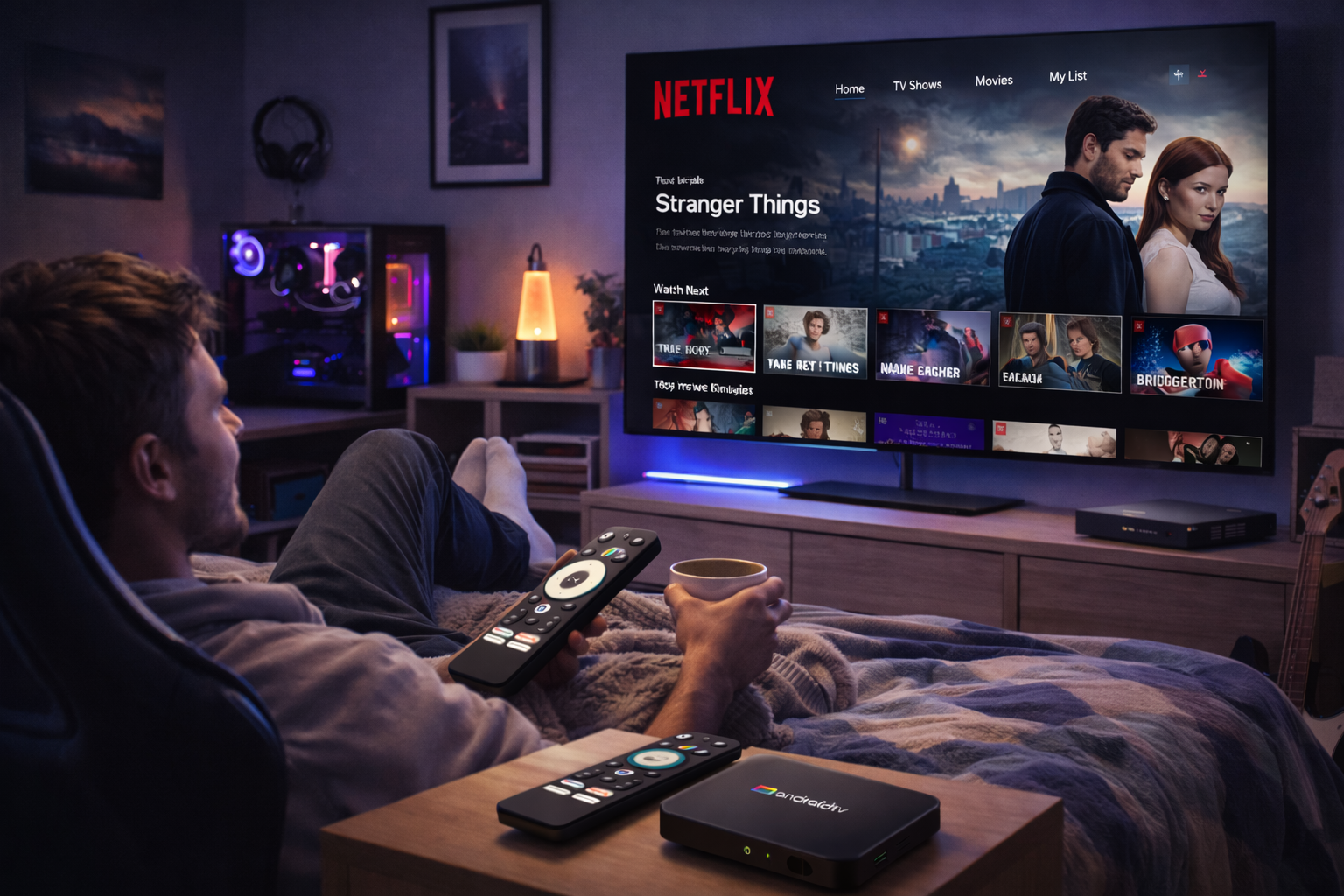
Advanced Android TV Box Streaming Optimization for Worldwide Streaming
International viewers of Netflix, Prime Video, and Disney+ face unique challenges, but with the right Android TV Box Streaming Optimization strategies, you can enjoy top-tier streaming performance anywhere on the globe. This advanced guide shares actionable insights to help you maintain smooth, high-quality playback and overcome regional restrictions.
Decoding Global Streaming Barriers
Streaming outside your native region involves tackling geo-blocks, ISP throttling, and varying app availability. Android TV Box streaming optimization starts with understanding the reasons behind these issues. Licensing agreements often restrict content, while ISPs may deprioritize video traffic. Recognizing these factors helps you target the most effective solutions for global streaming quality on Android TV.
Hardware Upgrades: Building Your Streaming Foundation
The hardware powering your Android TV Box plays a pivotal role in streaming optimization. Choose a model with a high-performance processor, a minimum of 2GB RAM, and Google certification for maximum app compatibility. Widevine L1 DRM support is mandatory for accessing HD and 4K content on Netflix and Disney+. Leading boxes also feature dual-band WiFi, gigabit Ethernet, and advanced cooling systems for stability and longevity.
Review user feedback in international streaming forums and opt for brands with proven firmware support and regular updates.
Optimizing Your Network: Wired, Wireless, and VPN Essentials
Network setup directly impacts streaming quality on Android TV. Ethernet delivers consistent speeds and low latency. If you must use WiFi, invest in a modern dual-band 5GHz router and minimize interference. For international users, VPNs and Smart DNS are essential for bypassing regional blocks. Test VPN servers for best speed and reliability, and use Smart DNS for additional access to content libraries without a substantial speed hit.
Routine Software Maintenance
Update your Android TV Box’s firmware and all streaming apps to the latest versions to ensure compatibility and receive security patches. Enable auto-updates whenever possible. After each update, verify that all settings are as intended and re-optimize if any changes occur. Clear cache and restart the device periodically for optimal performance and memory management.
Platform-Specific Streaming Optimization
Netflix: Install the official app, confirm Widevine L1 is enabled, and set streaming quality to “High” or “Auto.” Use a VPN with servers in the region whose catalog you want to access for the full Netflix experience.
Prime Video: Sideload the official app if it’s not available in your area. VPN and DNS changes can help unlock content. Adjust app settings for playback quality, data usage, and preferred languages.
Disney+: Use a Smart DNS or VPN with a nearby server for best results. Keep your app updated and set resolution settings to suit your connection. Reinstall if persistent issues arise.
Personalization, Security, and Usability
Create multiple user profiles to customize content recommendations and watch histories. Set up parental controls and PINs for security, especially when streaming abroad. Enable two-factor authentication on both streaming and Google accounts. Enhance usability with wireless keyboards, advanced remotes, or Bluetooth speakers for premium navigation and audio.
Proactive Troubleshooting and Maintenance
Buffering, stuttering, or app crashes are common issues for global streamers. Start troubleshooting by running a network test and switching VPN or DNS servers. Clear app data, uninstall and reinstall apps, or consult online communities for model-specific solutions. Reserve factory resets for recurring, unfixable problems.
Expert Tips for Next-Level Streaming
Explore developer options to fine-tune device performance: limit background processes, force hardware acceleration, and tweak animation speeds. Segment your network so the Android TV Box has a priority channel. Join global streaming forums to stay informed about updates, firmware releases, and new streaming techniques tailored for international audiences.
Preparing for the Future of Global Streaming
Streaming technology is evolving rapidly, with ongoing improvements in adaptive bitrate streaming, privacy protection, and app integration. Keep your Android TV Box and knowledge base current to continue enjoying the highest quality streaming experiences wherever you are in the world.
Conclusion
Advanced Android TV Box Streaming Optimization brings the world’s content to your living room—no matter your location. Invest in superior hardware, maintain your software, optimize your network, and keep learning. You’ll ensure reliable, secure, and high-quality Netflix, Prime Video, and Disney+ streaming everywhere you go.
READ MORE
Seamless Android TV Box Streaming Optimization for Global Platforms
Expert Android TV Box Streaming Optimization for International Success
Ultimate Android TV Box Streaming Optimization for Global Viewing
Elite Android TV Box Streaming Optimization for International Platforms
Comprehensive Android TV Box Streaming Optimization for International Streaming
Professional Android TV Box Streaming Optimization for International Platforms
Effective Android TV Box Streaming Optimization for Global Services
Unlocking Seamless Overseas Streaming: Android TV Box Streaming Optimization Tips
Quick Links

.png "Watch H96 Max Android TV Box reviews on our YouTube channel")

.png "Explore H96 Max product photos on Instagram")














