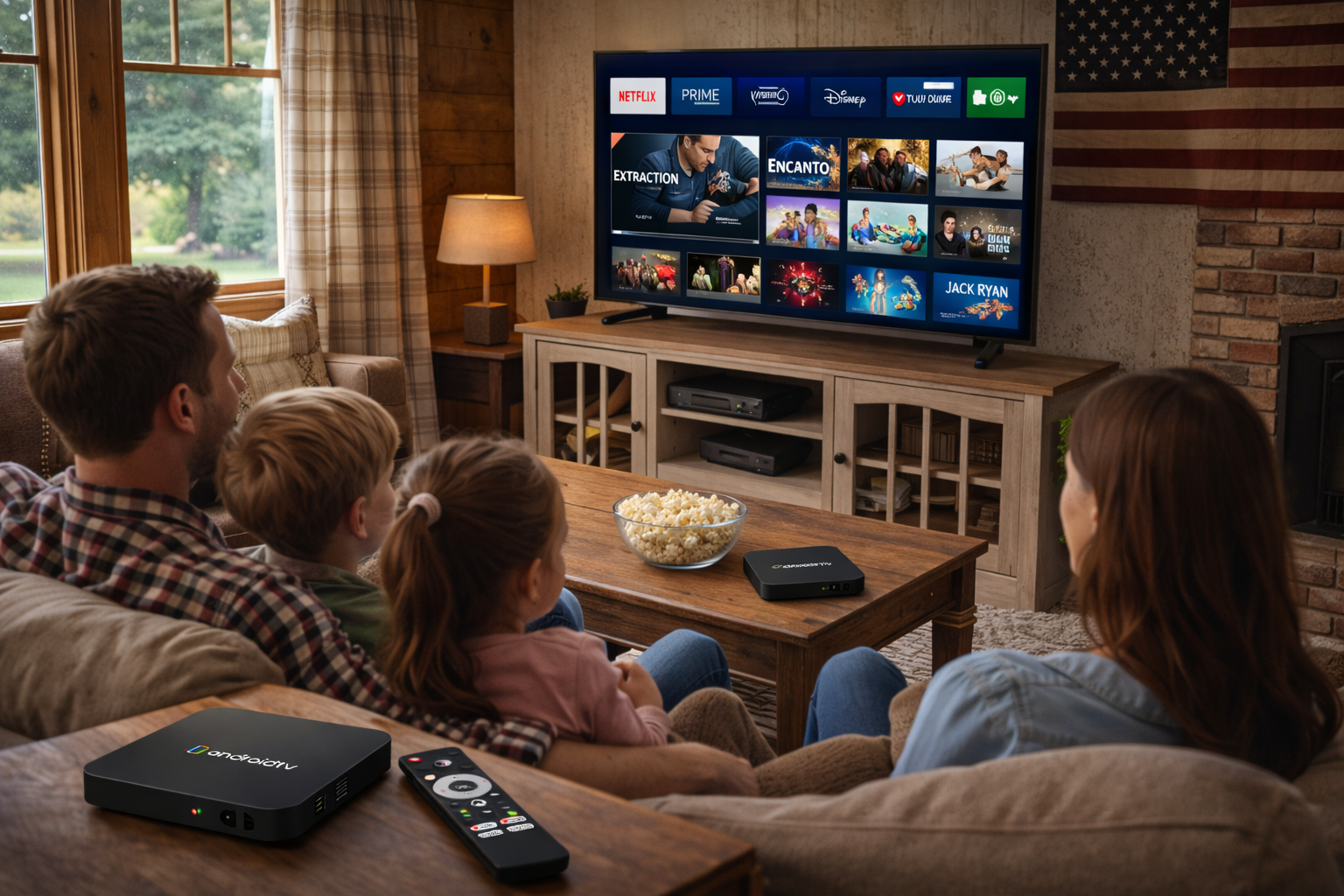
For anyone who streams Netflix, Prime Video, or Disney+ abroad, maximizing the performance of your Android TV Box is crucial. The phrase Android TV Box Streaming Optimization encapsulates a broad set of strategies that help global users overcome geo-blocks, buffering, and app restrictions—delivering a smooth, enjoyable viewing experience wherever you go.
Assessing Device Capability and Compatibility
Not all Android TV Boxes are created equal. For optimal overseas streaming, choose a device with at least 2GB RAM, a multi-core CPU, and the latest version of Android TV. Prioritize certified devices to ensure streaming quality on Android TV is consistent across popular platforms like Netflix and Prime Video. Devices lacking Widevine L1 DRM often restrict resolution, capping playback at standard definition.
Connection Stability: Wired vs. Wireless
While WiFi is convenient, Ethernet offers superior stability—essential for Android TV Box Streaming Optimization. If Ethernet isn’t available, use a high-quality router and keep your TV Box near the signal source. Enable 5GHz WiFi where possible to avoid interference from household devices.
VPN and DNS Solutions for Overseas Streaming
Geo-restrictions are a common hurdle when streaming global content. A VPN specifically optimized for Android TV Box can bypass regional blocks and throttle-free your connection. Pairing this with a smart DNS service often yields the best results for platforms like Disney+ and Prime Video. Always test server locations for the best speeds and reliability before settling on your preferred streaming setup.
Keeping Software Up to Date
Maintaining up-to-date apps and firmware is a pillar of successful streaming optimization on Android TV. Outdated software can lead to crashes, buffering, or blocked access to HD streams. Schedule routine updates, clear app cache, and reboot your device regularly to maximize available memory and ensure that streaming apps function at their best.
Tailoring the Experience: App-Specific Tips
Netflix: Make sure you are using the official app from the Google Play Store. Adjust video quality to 'High' for the best viewing experience, and always run the app on certified hardware for full HD or 4K.
Prime Video: Sideload the official APK if unavailable in your region, and tweak data usage in settings to match your internet plan. Use subtitle and language settings to optimize accessibility and comfort.
Disney+: Leverage VPN and DNS changes to access libraries from different countries. Set playback resolution to automatic for smoothest performance, and regularly update the app for new features and stability fixes.
Performance Enhancement and Troubleshooting
To boost streaming performance, close unused apps and monitor device temperature. Consider cooling fans if your box runs hot during long sessions. For issues like stuttering or random buffering, run a speed test, try a different server, or perform a quick reboot. In extreme cases, a factory reset can resolve persistent errors and restore peak Android TV Box Streaming Optimization.
Future-Proofing Your Streaming Setup
Stay ahead by joining online forums and following software updates for both your Android TV Box and preferred streaming services. Experiment with new apps and streaming protocols as they become available, and always invest in devices that offer long-term support for the evolving landscape of streaming quality on Android TV.
READ MORE


.png "H96 Max Android TV Box video reviews and tutorials on YouTube")
.png "H96 Max Android TV Box photos and lifestyle shots on Instagram")




.png "Watch H96 Max Android TV Box reviews on our YouTube channel")

.png "Explore H96 Max product photos on Instagram")














