

.png "H96 Max Android TV Box video reviews and tutorials on YouTube")
.png "H96 Max Android TV Box photos and lifestyle shots on Instagram")



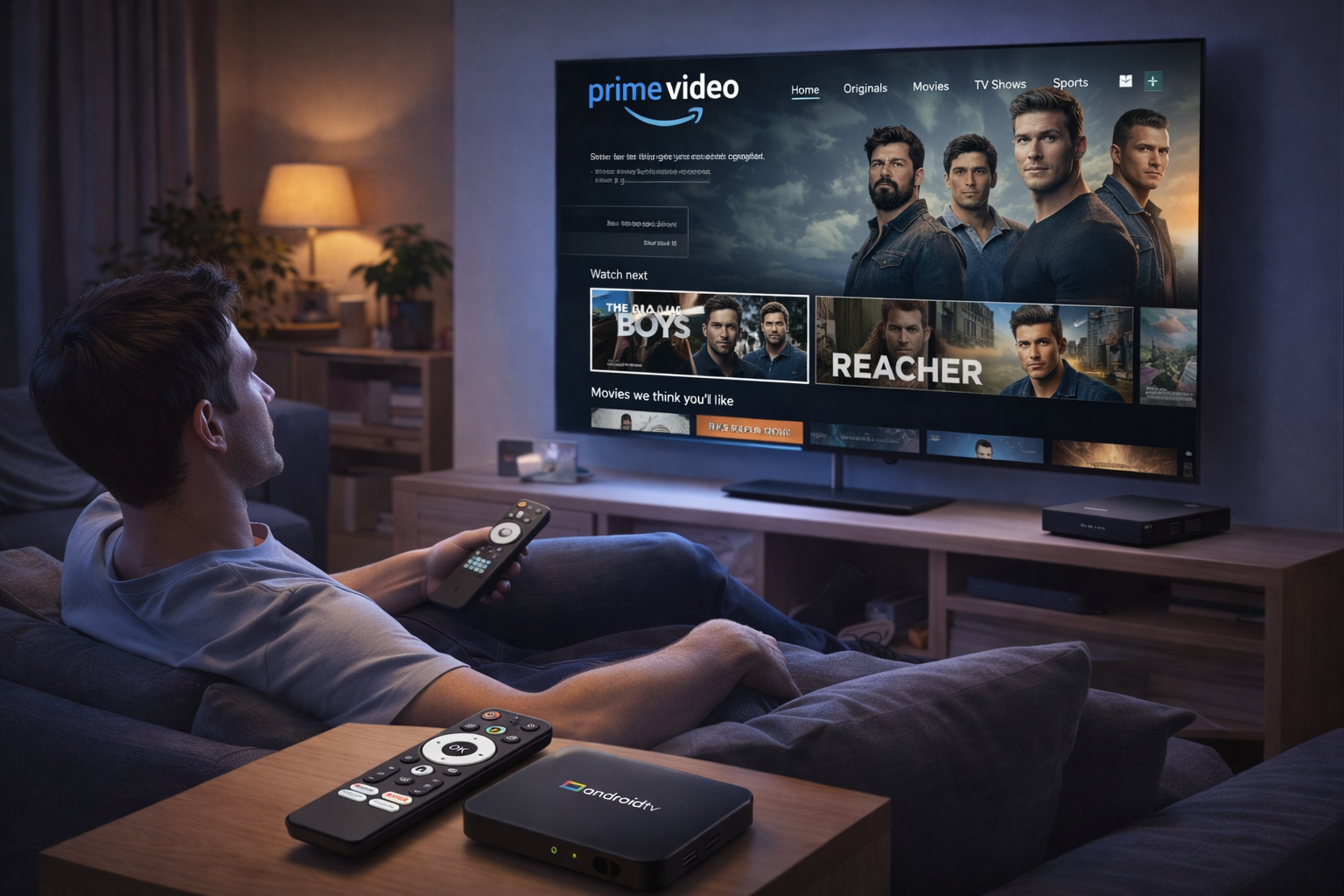
Expert Android TV Box Streaming Optimization for International Success
Enjoying streaming platforms like Netflix, Prime Video, and Disney+ overseas doesn’t have to mean sacrificing quality or reliability. Android TV Box Streaming Optimization unlocks top performance, lets you bypass regional limits, and secures smooth viewing on any continent. This in-depth guide delivers expert advice, advanced techniques, and actionable steps for global users who demand the best from their Android TV Boxes.
Understanding the International Streaming Landscape
Streaming outside your home country often introduces new barriers: restricted content libraries, throttled speeds, and application compatibility issues. Without the right Android TV Box streaming optimization, even the best devices may struggle to deliver smooth HD or 4K playback. Recognizing these challenges ensures you choose the best strategies from the outset.
Choosing and Setting Up the Best Hardware
Begin with an Android TV Box equipped for high-performance streaming. Choose models featuring a multi-core CPU, 2GB or more RAM, and the latest Android TV OS for up-to-date security and app support. Devices with Google certification and Widevine L1 DRM enable HD and 4K streaming on Netflix and Disney+. Premium boxes also offer dual-band WiFi, gigabit Ethernet, advanced cooling, and consistent firmware updates—each crucial for reliable global streaming quality on Android TV.
Check user reviews and global streaming forums for device-specific advice about which boxes work best in your destination country. Hardware selection can make or break your optimization efforts.
Building a Robust Network Environment
Stable, fast internet is the lifeblood of Android TV Box streaming optimization. Wired Ethernet delivers the best stability, but upgraded dual-band 5GHz WiFi is the next best thing. Keep your box near your router and minimize interference for peak speeds. International viewers often rely on VPNs and Smart DNS to bypass regional blocks. Invest in a streaming-optimized VPN with Android TV support and test various servers to find the fastest connections for Netflix, Prime Video, and Disney+.
Optimize your router’s Quality of Service (QoS) to prioritize streaming traffic, and consider segmenting your home network to give your Android TV Box a dedicated bandwidth pipeline.
Software and App Optimization
Keep firmware and streaming apps updated to benefit from new features, bug fixes, and security patches. Enable automatic updates when possible. After each update, review network and playback settings—sometimes app updates reset configurations. Clear cache regularly and reboot your box to free up system resources and ensure maximum streaming quality on Android TV.
Advanced App Settings for Each Platform
Netflix: Use the official app from Google Play, verify Widevine L1 status, and set video quality to “High.” Pair with a VPN server matching your desired content library for optimal results.
Prime Video: Sideload the official APK if unavailable locally. Use VPN and DNS to access the full range of content, and adjust data usage settings to match your available bandwidth. Regular updates prevent glitches and maximize performance.
Disney+: Select VPN or DNS servers close to your real location for the best speed. Keep the app updated and use “Auto” or “High” playback settings for optimal video quality.
Enhancing Security and Personalization
Activate multi-user profiles on Android TV for personalized recommendations and viewing histories. Set up robust parental controls and enable two-factor authentication on your Google and streaming accounts for added safety, especially when logging in from abroad. For premium usability, add wireless remotes, Bluetooth keyboards, or high-quality audio peripherals.
Troubleshooting International Streaming Issues
If you run into buffering or playback errors, test your connection, switch VPN or DNS servers, and reboot your device. Clear app data, reinstall problematic apps, or consult device-specific forums for advice. As a last resort, factory reset your box for a clean slate.
Expert Tips for Power Streamers
Power users can leverage advanced settings: limit background apps, force GPU acceleration, and experiment with beta versions of streaming apps. Join online communities for the latest region-specific tips, firmware mods, and third-party tool recommendations. Customizing your setup keeps you ahead as international streaming technology evolves.
Future-Proofing Your Streaming Experience
Expect further advances in streaming optimization, with smarter apps, stronger privacy protocols, and even greater hardware-software integration. Stay up to date with Android TV news and firmware releases, and your device will continue to deliver seamless Netflix, Prime Video, and Disney+ streaming worldwide.
Conclusion
With careful hardware selection, rigorous network tuning, regular software updates, and ongoing optimization, Android TV Box Streaming Optimization ensures reliable, secure, and high-quality streaming in any region. Use these expert strategies to elevate your global viewing experience to a professional level.
READ MORE
Seamless Android TV Box Streaming Optimization for Global Platforms
Advanced Android TV Box Streaming Optimization for Worldwide Streaming
Ultimate Android TV Box Streaming Optimization for Global Viewing
Elite Android TV Box Streaming Optimization for International Platforms
Comprehensive Android TV Box Streaming Optimization for International Streaming
Professional Android TV Box Streaming Optimization for International Platforms
Effective Android TV Box Streaming Optimization for Global Services
Unlocking Seamless Overseas Streaming: Android TV Box Streaming Optimization Tips
Quick Links

.png "Watch H96 Max Android TV Box reviews on our YouTube channel")

.png "Explore H96 Max product photos on Instagram")














