

.png "H96 Max Android TV Box video reviews and tutorials on YouTube")
.png "H96 Max Android TV Box photos and lifestyle shots on Instagram")



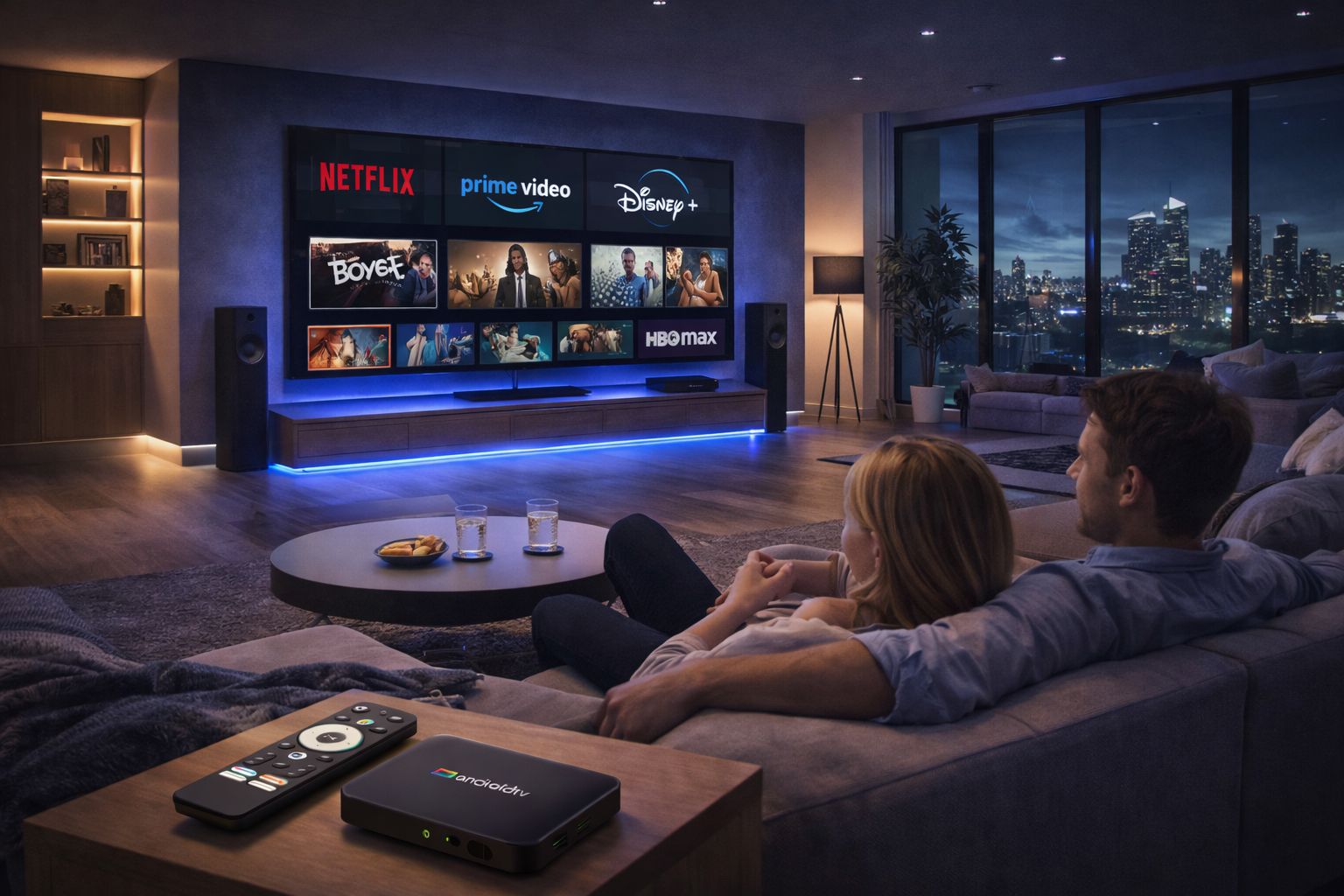
Ultimate Android TV Box Streaming Optimization: A Global User’s Playbook
Watching Netflix, Prime Video, and Disney+ from outside your home country can be smooth and satisfying—if you master Android TV Box Streaming Optimization. This comprehensive guide delivers best practices and expert insights for anyone wanting reliable, high-quality streaming abroad on any Android TV Box.
Global Streaming Challenges and How to Overcome Them
Streaming overseas brings new obstacles: region-locked content, fluctuating bandwidth, ISP throttling, and inconsistent device support. International users often encounter app errors, limited playback quality, and outright geo-blocks. Tackling these issues requires a combination of the right hardware, advanced network settings, and ongoing device maintenance. Knowing the pain points means you can apply the right Android TV Box streaming optimization steps from the start.
Picking the Best Android TV Box for International Use
Your streaming success starts with hardware selection. The best Android TV Boxes have powerful chipsets, at least 2GB RAM, modern Android TV OS, and Google certification. Widevine L1 DRM is a must-have for watching Netflix, Disney+, and Prime Video in HD or 4K. Look for models that offer firmware support, efficient cooling, dual-band WiFi, and gigabit Ethernet. Check online reviews to make sure your device is known for streaming quality on Android TV abroad.
Network Optimization: Wired, Wireless, and VPN Strategies
A stable, fast network is critical for Android TV Box streaming optimization. Wired Ethernet connections provide the most reliable speeds and lowest latency. If you use WiFi, prioritize dual-band 5GHz routers, avoid interference, and position the box for a strong signal. VPNs optimized for streaming are invaluable for bypassing regional blocks, but must be fast enough not to cause extra buffering. Smart DNS services offer another way to access content libraries while minimizing speed loss.
Keeping Software and Apps Up-to-Date
Regular updates are crucial for smooth global streaming. Update your box’s firmware and streaming apps to benefit from security patches, new codecs, and enhanced streaming quality on Android TV. Enable auto-update features where available. After each update, review streaming and network settings to ensure nothing has reverted or changed. Clear cache often and restart the device regularly to maintain optimal performance.
App-Specific Optimization Tips
Netflix: Always use the official app and ensure Widevine L1 is active. For HD and 4K, avoid “unofficial” app versions or rooted boxes. Adjust data usage settings for best video quality, and pair with a VPN server located in the region whose library you want to access.
Prime Video: Some regions require sideloading the official APK. Use VPN and DNS to gain access to broader libraries. Regularly update the app for new features and improved compatibility. Adjust playback settings to match your bandwidth for a smoother experience.
Disney+: Use servers closest to your real location via VPN or Smart DNS. Update the app regularly, and set playback resolution to auto or high for the best quality. Reinstall the app if issues persist or you notice missing features abroad.
Personalizing and Securing Your Streaming Experience
Android TV supports multiple user profiles, making it easy for families to tailor content. Parental controls and PIN protection provide peace of mind. Enable two-factor authentication on your Google and streaming service accounts, especially when traveling or logging in from shared networks. For a premium feel, add wireless keyboards or air mouse remotes, and connect Bluetooth speakers or soundbars for superior audio.
Troubleshooting: Common Problems and Solutions
If you experience buffering, pixelation, or app crashes, start by running a network speed test. Change VPN or DNS servers and reboot your Android TV Box. Clear app cache and data, or uninstall and reinstall streaming apps. For persistent errors, check community forums for device-specific advice. Factory reset should only be used as a last resort after all other steps have failed.
Staying Ahead: Pro Tips for Global Streamers
Join forums to share and receive up-to-date region-specific advice on Android TV Box streaming optimization. Use beta versions of streaming apps to test new features, but always be wary of bugs. Adjust advanced developer settings for better performance—such as background process limits or hardware acceleration—if you’re comfortable experimenting. Segment your home network to prioritize streaming traffic and keep other devices from interfering during movie night.
The Road Ahead: What’s Next for Android TV Box Streaming Abroad
International streaming continues to evolve. Expect improved adaptive bitrate technology, enhanced security, and tighter app integration from both hardware makers and streaming providers. By maintaining up-to-date knowledge and equipment, you’ll enjoy smooth, reliable streaming quality on Android TV—regardless of where you are.
Conclusion
With the right combination of hardware, network tuning, software updates, and security, Android TV Box Streaming Optimization delivers flawless Netflix, Prime Video, and Disney+ experiences globally. Start with these tips and elevate your viewing to professional levels, no matter where life takes you.
READ MORE
Seamless Android TV Box Streaming Optimization for Global Platforms
Advanced Android TV Box Streaming Optimization for Worldwide Streaming
Expert Android TV Box Streaming Optimization for International Success
Elite Android TV Box Streaming Optimization for International Platforms
Comprehensive Android TV Box Streaming Optimization for International Streaming
Professional Android TV Box Streaming Optimization for International Platforms
Effective Android TV Box Streaming Optimization for Global Services
Unlocking Seamless Overseas Streaming: Android TV Box Streaming Optimization Tips
Quick Links

.png "Watch H96 Max Android TV Box reviews on our YouTube channel")

.png "Explore H96 Max product photos on Instagram")














