

.png "H96 Max Android TV Box video reviews and tutorials on YouTube")
.png "H96 Max Android TV Box photos and lifestyle shots on Instagram")



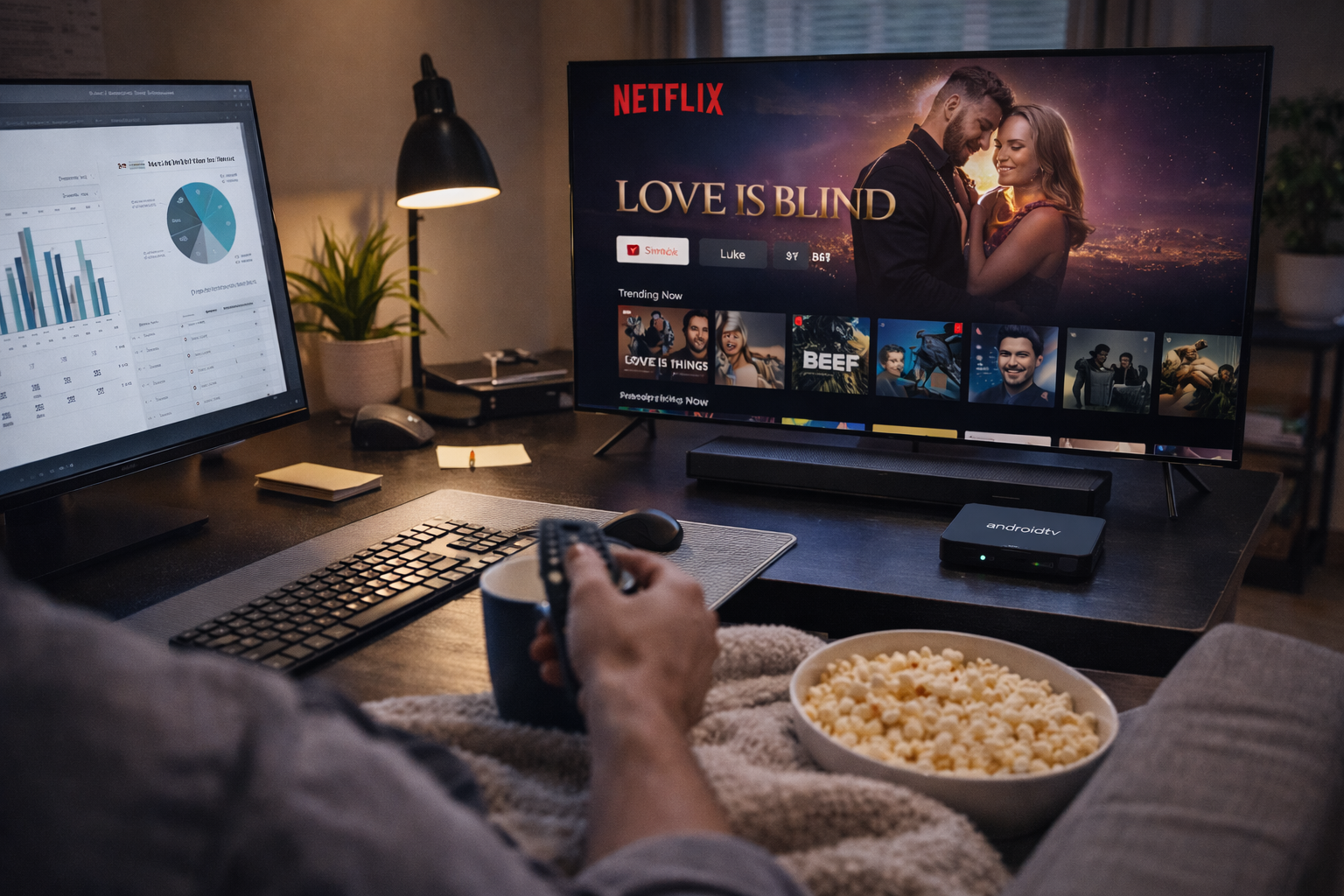
Comprehensive Android TV Box Streaming Optimization for International Streaming
Global access to platforms like Netflix, Prime Video, and Disney+ has revolutionized home entertainment. However, those living, working, or traveling overseas often struggle with streaming interruptions, geo-restrictions, and reduced video quality. Android TV Box Streaming Optimization offers essential strategies and practical solutions for uninterrupted, high-quality playback anywhere in the world.
Understanding the Streaming Environment Abroad
Unlike streaming at home, international viewers must contend with unique hurdles: regional content restrictions, fluctuating bandwidth, and app compatibility issues. Android TV Box users often find popular apps are not fully supported or that certain features are unavailable due to their geographic location. Knowing these challenges is the first step toward effective streaming optimization on Android TV.
Choosing a Device Built for Global Streaming
The heart of successful streaming lies in the right hardware. Modern Android TV Boxes with multi-core CPUs, at least 2GB of RAM, and Google certification guarantee broader app compatibility and future updates. Widevine L1 support is critical for HD and 4K playback on Netflix and Disney+. Devices with robust cooling, dual-band WiFi, and gigabit Ethernet maximize both performance and longevity.
Before purchase, research whether your preferred device is actively supported by the manufacturer and streaming platforms. Read online forums to confirm others have achieved good streaming quality on Android TV with that model in your country or region.
Internet Infrastructure: The Backbone of Streaming
Even the best Android TV Box can't perform without a reliable internet connection. Wired Ethernet is ideal for minimizing latency and packet loss, but upgraded WiFi routers (supporting 5GHz) also deliver excellent results in modern homes. Adjusting your router’s Quality of Service (QoS) settings can prioritize your Android TV Box and keep video traffic smooth during peak hours.
International users frequently rely on VPNs and Smart DNS to bypass geo-blocks on Netflix, Prime, and Disney+. Select a VPN known for streaming performance and dedicated Android TV apps. Test different server locations for optimal speed and access. Smart DNS, by rerouting only streaming traffic, often provides faster connections and minimal latency for video playback.
Keeping Firmware and Apps Updated
Streaming apps and Android TV Box firmware are in constant flux. Developers regularly release security patches and quality upgrades to support new codecs, fix bugs, and improve streaming quality on Android TV. Set reminders for monthly system and app updates. Failing to update may lead to playback errors, degraded video, or blocked content—even if your hardware is top-tier.
Some brands offer auto-update options for both OS and streaming apps. Enable these where possible to minimize manual maintenance. After major updates, revisit your settings to confirm nothing has changed and re-optimize if necessary.
Optimizing Streaming Apps for International Use
Every streaming platform offers unique controls and settings. On Netflix, set playback to “High” for best video and ensure Widevine L1 support is active for HD/4K. If Netflix limits resolution, reinstall the app or check for firmware compatibility. For Prime Video, sideloading the official APK and logging in via secure VPN can unlock higher bitrates and additional features. Disney+ performance benefits from selecting the server closest to your actual location and periodically reinstalling the app to ensure optimal compatibility.
For all platforms, clear cache regularly and close unused apps to free memory. If streaming issues persist, try a fresh app install or revert to earlier versions known for stability on your box.
Network Security and Privacy Measures
International streaming carries increased privacy risks. Use reputable VPN providers with no-log policies and robust encryption. Change VPN protocols (OpenVPN, WireGuard, etc.) to find the best speed and reliability for your region. Enable two-factor authentication on streaming and Google accounts to keep credentials secure, especially when logging in from unfamiliar locations or public WiFi.
Personalization for an Enhanced Viewing Experience
Android TV’s user profiles enable personalized recommendations, separate watch histories, and custom parental controls—ideal for families and shared devices. Set up tailored content restrictions for children and use PIN protection to lock sensitive content. Consider using voice remotes, Bluetooth keyboards, and external sound systems to improve navigation and immersion, especially in multi-lingual or group settings abroad.
Troubleshooting: Solving Common International Streaming Issues
Persistent buffering or resolution drops? Start with a network speed test and try different VPN or DNS servers. For app crashes or missing features, update both firmware and app versions. A full device reboot can clear memory leaks and restore streaming performance. Factory resets should be reserved for chronic software conflicts that resist conventional fixes.
Advanced Tips for Power Users
Join Android TV forums to access region-specific streaming guides and firmware mods. Consider partitioning your home network to separate streaming traffic from general internet use. Use developer settings (where available) to limit background processes and force GPU acceleration for smoother playback on older boxes. Experiment with new codecs and media player apps for unique content or niche streaming needs overseas.
Looking Ahead: The Future of Global Streaming on Android TV Box
As international streaming demand grows, providers and device makers continue to innovate. Expect further improvements in adaptive streaming, enhanced privacy protocols, and more seamless app integration on Android TV OS. By staying current with the latest optimization strategies, you ensure that your device remains ready for whatever global streaming trends emerge.
Conclusion
Comprehensive Android TV Box Streaming Optimization brings the world’s best entertainment to your screen—wherever you call home. By investing in high-quality hardware, maintaining your software, fine-tuning your network, and personalizing your setup, you unlock smooth, secure, and truly global streaming on Netflix, Prime Video, and Disney+ without compromise.
READ MORE
Seamless Android TV Box Streaming Optimization for Global Platforms
Advanced Android TV Box Streaming Optimization for Worldwide Streaming
Expert Android TV Box Streaming Optimization for International Success
Ultimate Android TV Box Streaming Optimization for Global Viewing
Elite Android TV Box Streaming Optimization for International Platforms
Professional Android TV Box Streaming Optimization for International Platforms
Effective Android TV Box Streaming Optimization for Global Services
Unlocking Seamless Overseas Streaming: Android TV Box Streaming Optimization Tips
Quick Links

.png "Watch H96 Max Android TV Box reviews on our YouTube channel")

.png "Explore H96 Max product photos on Instagram")














